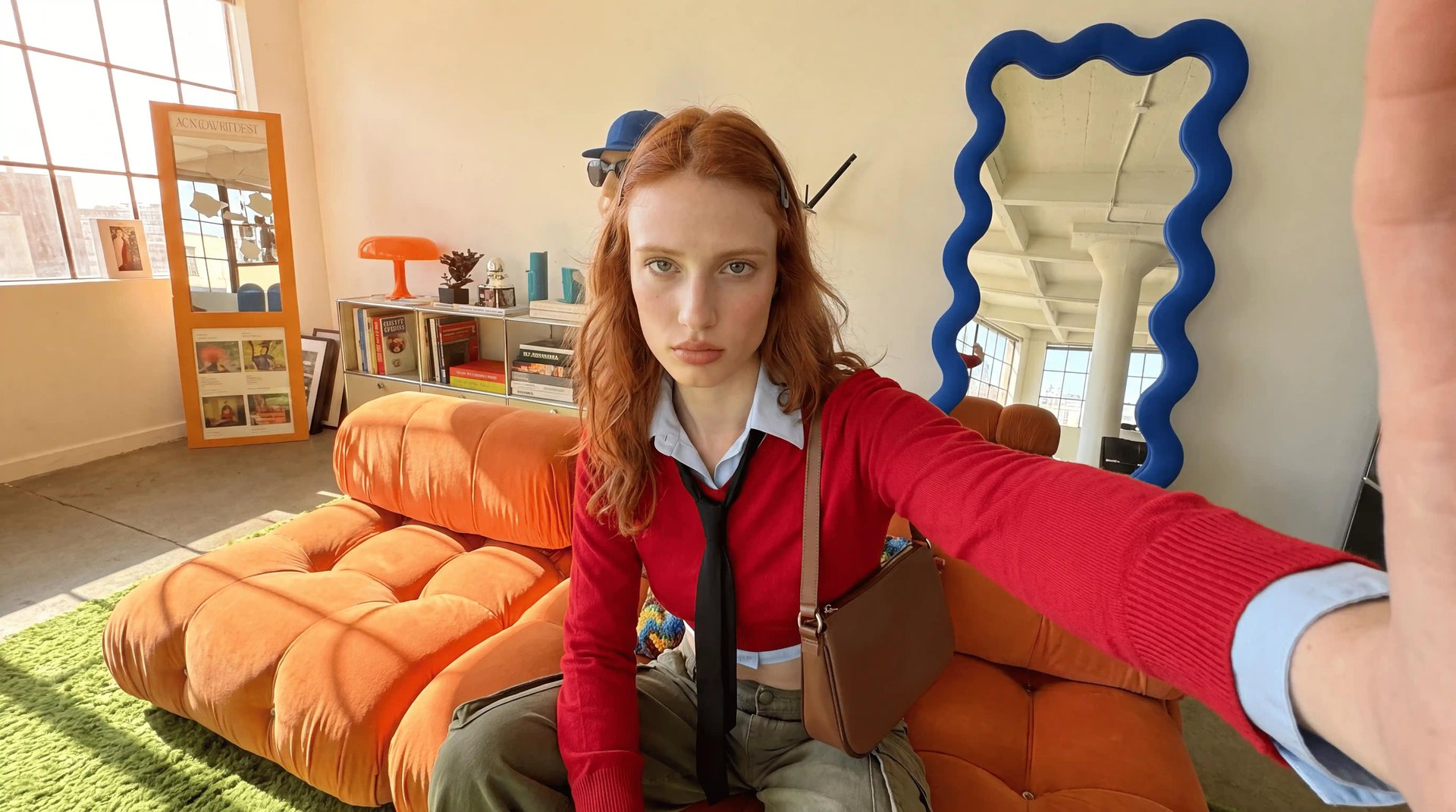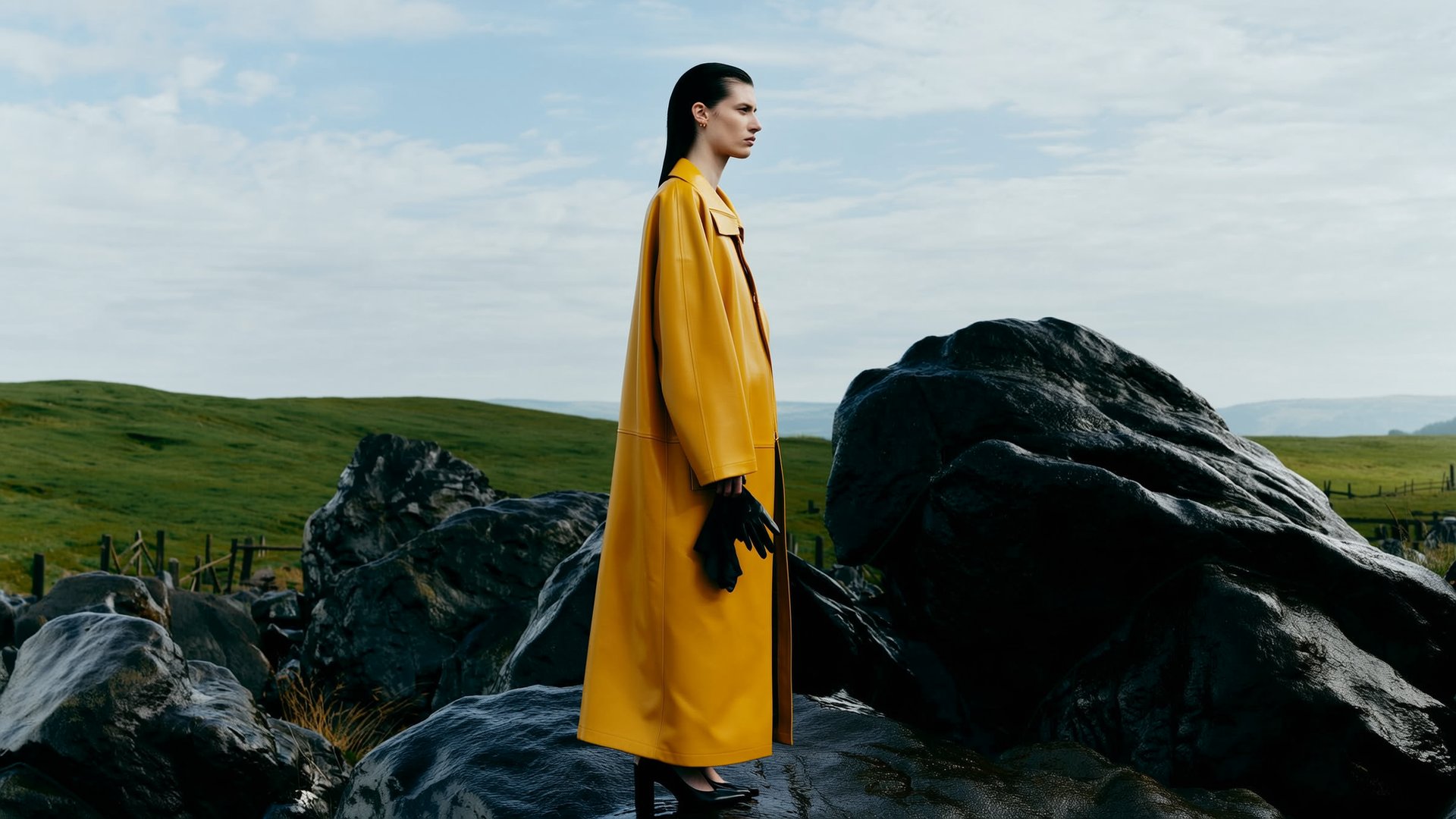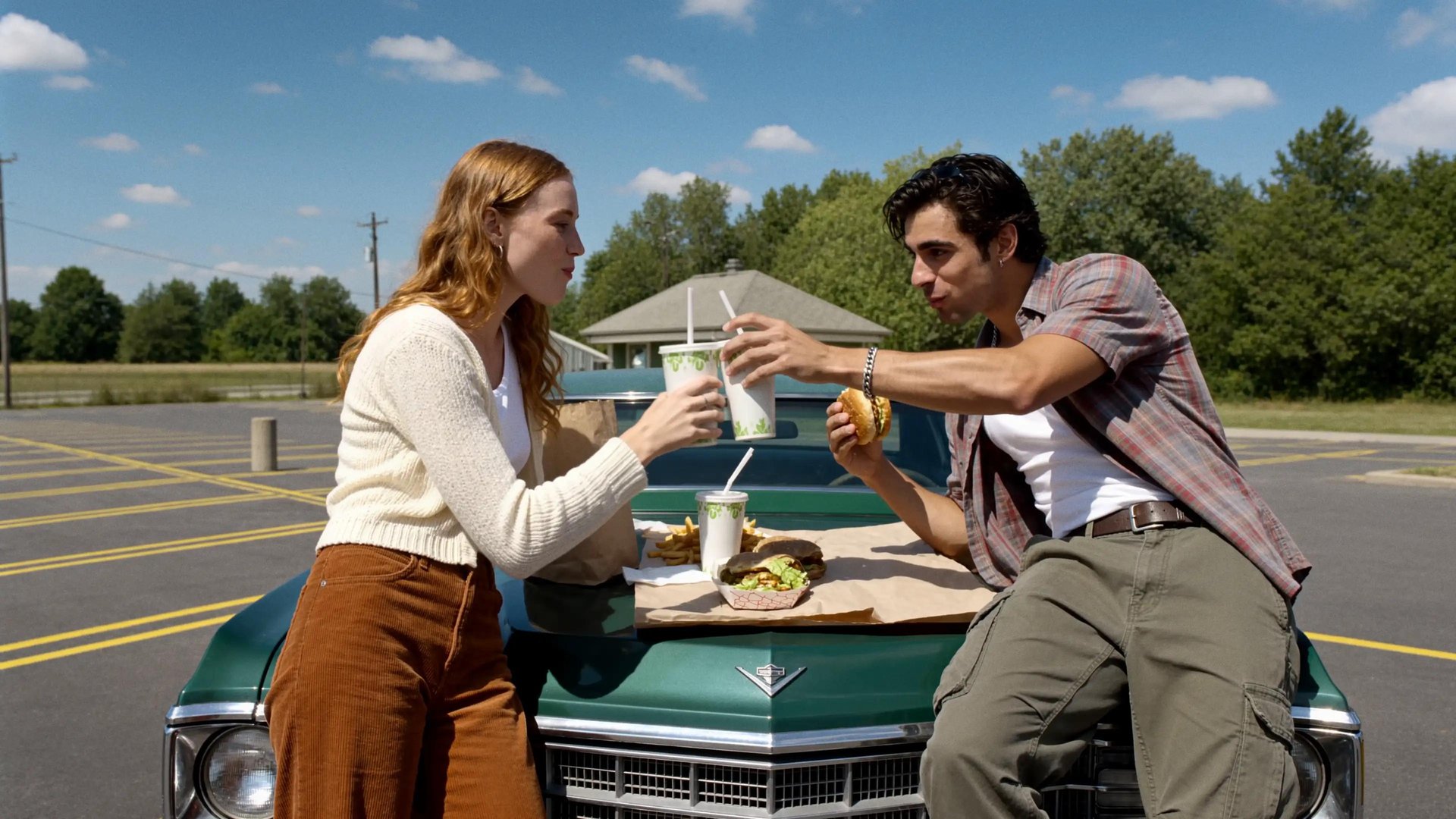
The best AI marketing video generator for an enterprise team in 2026 depends on the job: Synthesia for training and presenter video, HeyGen for localizing one spokesperson across markets, Runway for cinematic brand film, InVideo for social volume, and Higgsfield for the full marketing pipeline, from a product URL to an ad published in the channels. This guide compares 10 platforms on the four axes that break at team scale: content type, brand consistency, scale and automation, and credit behavior.
How should an enterprise team compare AI video generators?
A generator solves exactly one stage of marketing video; after it, teams still need the same face across variations, volume without a surprise bill, and a way into the channels, which is how stacks grow to four or five subscriptions. So every platform here gets the same four questions.
What can it make on its own: presenter video, ads, cinematic footage, shorts?
Does it hold one face and one style across dozens of videos, or does every generation start from scratch?
What happens after the tenth video: does the work go on autopilot, or does someone repeat it by hand?
And what happens to the money: do credits expire, do failed generations get charged, is the cost visible before you press the button? Plan prices aren't part of this comparison. Enterprise pricing is negotiated individually at almost every vendor on this list and isn't published. How spend behaves at volume is comparable, and that's what we track.
Quick comparison
Quick comparisonTool | Content type | Brand consistency | Scale & automation | Credit behavior |
|---|
Higgsfield | Ads and UGC (Marketing Studio), short-form (Shorts Studio), cinematic (Cinema Studio) | Soul ID trained avatar + Brand Kit from a URL | Supercomputer agent with scheduled tasks; MCP for Claude workflows | Failed generations refunded; Unlimited models on paid plans (web app) |
Synthesia | Presenter video, training | Brand kits, custom avatars | No | Minute-based credits |
HeyGen | Presenter video, dubbing | Avatar V digital twin | API | 20 credits per minute of avatar output |
Runway | Cinematic multi-shot | References | Workflows (partial) | Every iteration deducts credits |
InVideo AI | Social videos from a prompt | Templates | Agent One, batch output | Separate credit pools, no rollover |
Google Vids | 8s clips inside Workspace | No | No | Monthly generation caps by tier |
Adobe Firefly + Premiere | Short clips inside the edit | Custom models on brand assets | No | Generative credits within the subscription |
Descript | Repurposing recordings | Brand Studio (Business plan) | No | AI actions draw from a shared pool |
Canva AI | 8s clips in a design environment | Brand Kit, approvals | No | Monthly generation cap |
Luma AI | Cinematic b-roll | Character Reference (base Ray3 only) | No | Credit-based subscription tiers |
Which stages of the marketing video workflow does each tool cover?
Marketing video production has four stages: generation, consistency, scale, distribution. Distribution here means the tool carries content to the channel itself: publishing to social platforms, or delivering it to the team's work apps.
Which stages of the marketing video workflow does each tool cover?Tool | Generation | Consistency | Scale & automation | Distribution |
|---|
Higgsfield | Yes (Marketing Studio, Cinema Studio) | Yes (Soul ID, Brand Kit) | Yes (Supercomputer, MCP) | Yes (auto-posting via Supercomputer connectors) |
Synthesia | Yes (avatars) | Partial | No | No (file export) |
HeyGen | Yes (avatars) | Partial | Partial (API) | No (file export) |
Runway | Yes | Partial | Partial | No (file export) |
InVideo AI | Yes | Partial | Yes (batches) | No (file export) |
Google Vids | Partial | No | No | Partial (file stays in Drive) |
Adobe | Partial | Yes | No | No (export from the edit) |
Descript | Partial | Yes | No | Partial (publish integrations) |
Canva AI | Partial | Yes | No | Partial (social scheduler) |
Luma AI | Yes | Partial | No | No (file export) |
1. Higgsfield: which platform covers the full marketing pipeline for a team?
Higgsfield is an AI-native creative suite: instead of covering one stage, it runs generation, consistency, scale, and distribution on one platform. Marketing Studio is how it handles ads: a product URL in, video with native audio and lip sync out, nine formats from UGC to TV Spot. The typical fit: marketing teams with recurring ad volume, and teams in hard-to-explain niches that need a complex process shown clearly.
On the axes: content spans ads, UGC, short-form, and cinematic (Marketing Studio, Shorts Studio, Cinema Studio). Consistency comes from a trained character (Soul ID) reusable across the suite, plus a Brand Kit built from a website URL. Scale runs on a scheduled-task agent (Supercomputer) that publishes to connected social accounts and team apps, or through MCP, which links generation to Claude. Costs show before you confirm; failed generations are refunded.
The limitation: no frame-level editing of existing footage, that stage lives in the Premiere Pro, After Effects, and DaVinci Resolve plugins; ad clips cap at 15 seconds; Unlimited models apply in the web app only; and for long talking-head presentations, Synthesia is the more natural fit. Team workspaces are self-serve, with SSO, SOC 2, legal indemnification, and a no-data-training clause on the upper tiers.

2. Synthesia: what is the best AI tool for corporate training and presenter video?
Synthesia is built for presenter video: 160+ languages, a large stock avatar library, over 1,000 voices, and the compliance profile large L&D departments ask for. Teams pick it when the video program is onboarding, training, and internal comms, and the same module has to ship in a dozen languages. Its digital twin is built from your own footage and pairs with a clone of your voice.
On the axes: content is presenter-led. Consistency comes from brand kits and custom avatars, with custom studio avatars as a separate paid add-on. There is no automation or distribution layer. The credit model is minute-based. SCORM export and one-click translation sit in the Enterprise tier.
The limitation is scope: it's a single-stage tool. No ad formats, no recurring tasks, no channel delivery, so for a marketing pipeline it gets paired with something else.
3. HeyGen: which AI video generator is best for multilingual spokesperson ads?
HeyGen stands out for avatar realism and localization. Avatar V, its current model, builds a digital twin from a 15-second recording and delivers scripts in 175+ languages with matching lip sync. That makes it the pick for teams localizing one spokesperson across many markets: a fintech or SaaS brand running the same founder-fronted ad in ten regions. Upper tiers add SSO and SCIM, and an API embeds generation into your own processes.
On the axes: content is presenter-led. Consistency comes from the Avatar V twin. Automation runs through the API, with no built-in recurring tasks. Avatar generation consumes 20 credits per minute, which takes planning at volume.
The limitation: HeyGen stops at generation. No campaign formats, no schedules, no distribution, and per-minute credit math is the most common complaint from teams producing at scale.
4. Runway: what should teams use for cinematic brand film?
Runway covers film-grade brand content. Its Gen-4 model family keeps characters, objects, and environments stable across shots, References pin identity across a whole project, and Act-Two transfers a phone-recorded acting take onto a generated character. It's a real production platform, model plus editor plus team workspaces, which suits creative agencies making hero campaign films.
On the axes: content is cinematic. Consistency comes from References. Automation is partial (Workflows). Credits are deducted on every iteration, whether you keep the result or not.
The limitation: no marketing layer. No ad formats, no brand kit, no distribution, and the editor has a real learning curve. Teams pick Runway for generation quality and complete the other stages elsewhere.
5. InVideo AI: which tool produces social video volume from a single prompt?
InVideo AI assembles finished social videos from one prompt. Its Agent One system picks the model and writes the generation prompt for each shot, refined with text commands instead of a timeline, on top of a subscription bundling 200+ image, video, and audio models. For faceless channels and volume social content it's one of the most productive options, with batch generation and team management built in.
On the axes: content is social video. Consistency is template-level. Automation covers batches and the agent. Credits are split into separate pools for AI minutes, stock, and voice, and none of them roll over.
The limitation: brand fidelity is template-grade, and the pooled credit system needs manual oversight at scale. One pool can run dry while another sits full.
6. Google Vids: what can teams inside Google Workspace use without new procurement?
Since April 2026, any Google account generates Veo 3.1 clips in Vids for free; the paid AI Pro and Ultra tiers add Lyria 3 for music and directable AI avatars. For a team living in Workspace it's the zero-friction option: no procurement, no new vendor, output lands in Drive, sharing and commenting work like Docs. That makes it the default for internal comms teams and departments without a video budget line.
On the axes: content is 8-second clips. There's no brand consistency layer and no automation. Instead of credits, monthly generation caps apply: 10 generations a month on the free tier, up to 1,000 a month on Ultra.
The limitation: the editor is closer to Slides than to a video tool. Fine for internal comms and quick promos, not a campaign engine.
7. Adobe Firefly + Premiere Pro: which option offers the most legal certainty?
Adobe's bet is legal certainty inside the editing process teams already run. Firefly models are trained on licensed and public domain content, enterprise plans offer IP indemnification on select Firefly workflows, and Custom Models train Firefly on a company's own brand assets: the deepest brand control in this lineup. Generative Extend and text-based generation work directly inside Premiere Pro. The natural fit: regulated brands and in-house studios with professional editors on staff.
On the axes: content is short generated clips as elements of an edit. Consistency comes from custom models. There's no automation or distribution. Generative credits are included in the Creative Cloud subscription.
The limitation: Firefly augments an edit rather than producing a finished ad, and the workflow assumes professional editors. Without a dedicated editor, this path is expensive in time.
8. Descript: how do teams turn webinars and podcasts into marketing clips?
Descript edits video like a document: the transcript is the timeline. Underlord, its AI co-editor, removes filler, tightens pacing, pulls social clips from long recordings, and drafts posts. Brand Studio enforces team-wide templates, fonts, and colors on the Business plan, and translation covers 30+ languages. The natural fit: B2B teams sitting on a library of webinars, demos, and podcast episodes.
On the axes: content is repurposed recordings. Consistency comes from Brand Studio. There's no bulk generation automation. AI actions draw from a shared credit pool.
The limitation: it's editing-first. Descript repackages what you recorded but doesn't generate ad creative from a product. For a webinar-heavy team it's the center of the stack; for performance marketing, a complement.
9. Canva AI: what fits brand teams that already design in Canva?
Canva's strength for marketing teams is the brand system: Brand Kit applies colors, fonts, and logos automatically, approval workflows keep content on-brand, and the team most likely already works there. Video generation runs on Google's Veo model and produces 8-second clips directly in the editor.
On the axes: content is short clips in a design environment. Consistency comes from Brand Kit and approvals. There's no automation, and generation carries a monthly cap on paid plans.
The limitation: AI video here is a bonus feature of a design platform, not a production tool. For regular video volume, teams pair it with a generator.
10. Luma AI: what generates the best cinematic b-roll?
Luma's Ray 3.14 model (January 2026) generates fast, realistic clips at native 1080p, 4x faster than the base Ray3. It's the pick when the job is atmosphere: product beauty shots, textures, motion b-roll to cut into edits. Paid tiers add watermark-free export and commercial rights, and a developer API is available.
On the axes: content is cinematic footage. Consistency comes from Character Reference, which runs on the base Ray3 model: the faster Ray 3.14 doesn't support it, so identity-locked work means slower, costlier generations. There's no automation, and credits are tiered by model, resolution, and queue mode.
The limitation: no marketing workflow around the model. No formats, no brand kit, no delivery. Teams take Luma for the visuals and slot it into another pipeline.
How do the most shortlisted tools compare for enterprise teams?
Of the ten platforms, three end up on enterprise marketing shortlists most often: Synthesia, HeyGen, and Higgsfield; the rest usually fill adjacent roles like editing, design, or footage. The three answer different questions. Synthesia and HeyGen answer "how do we make presenter videos": scripted, avatar-led, strongest in training and localized spokesperson content. Higgsfield answers "how do we run a marketing video pipeline": ad formats from a product URL, one consistent face across variations, recurring volume, publishing to channels.
How do the most shortlisted tools compare for enterprise teams?Criteria | Synthesia | HeyGen | Higgsfield |
|---|
Content type | Presenter video | Presenter video, dubbing | Ads (Marketing Studio), UGC, short-form (Shorts Studio) |
Spokesperson consistency | Stock or custom avatars | Avatar V twin | Soul ID, trained once |
Scale & automation | No | API | Supercomputer agent with scheduled tasks |
Credit behavior | Minute-based | 20 credits per avatar minute | Failed generations refunded |
Distribution | No | No | Auto-posting via Supercomputer connectors (TikTok, LinkedIn, X); delivery to Slack, Drive, Notion |
If the video program is 80% training and internal comms, take Synthesia. If it's localized spokesperson content, HeyGen. If it's the whole pipeline, from product page to published campaign, that's what a suite is for: the stages run on one platform.
Which tool fits your team?
Training, onboarding, and internal comms in many languages: Synthesia. One spokesperson localized across many markets: HeyGen. Hero brand films with a creative team: Runway; b-roll and atmosphere: Luma. A library of webinars and podcasts to turn into clips: Descript. Quick on-brand social pieces inside tools you already run: Google Vids or Canva AI. Editors in Premiere with legal certainty as the priority: Adobe. Faceless social volume from prompts: InVideo. And if the job is the pipeline itself, from product URL to published ad with one consistent spokesperson: Higgsfield, through Marketing Studio with Soul ID for paid social, Shorts Studio for short-form volume, or MCP with Claude for teams that work from a conversation.