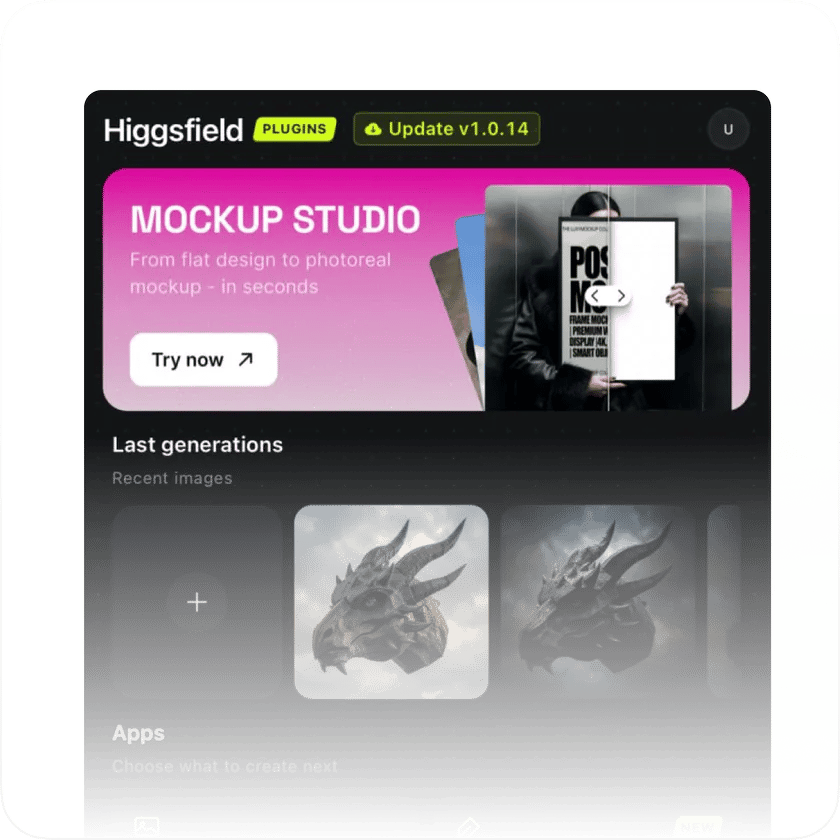
Open Adobe, find Higgsfield
Launch Photoshop, then go to Window → Extensions → Higgsfield. All five plugins are ready to use directly from the panel
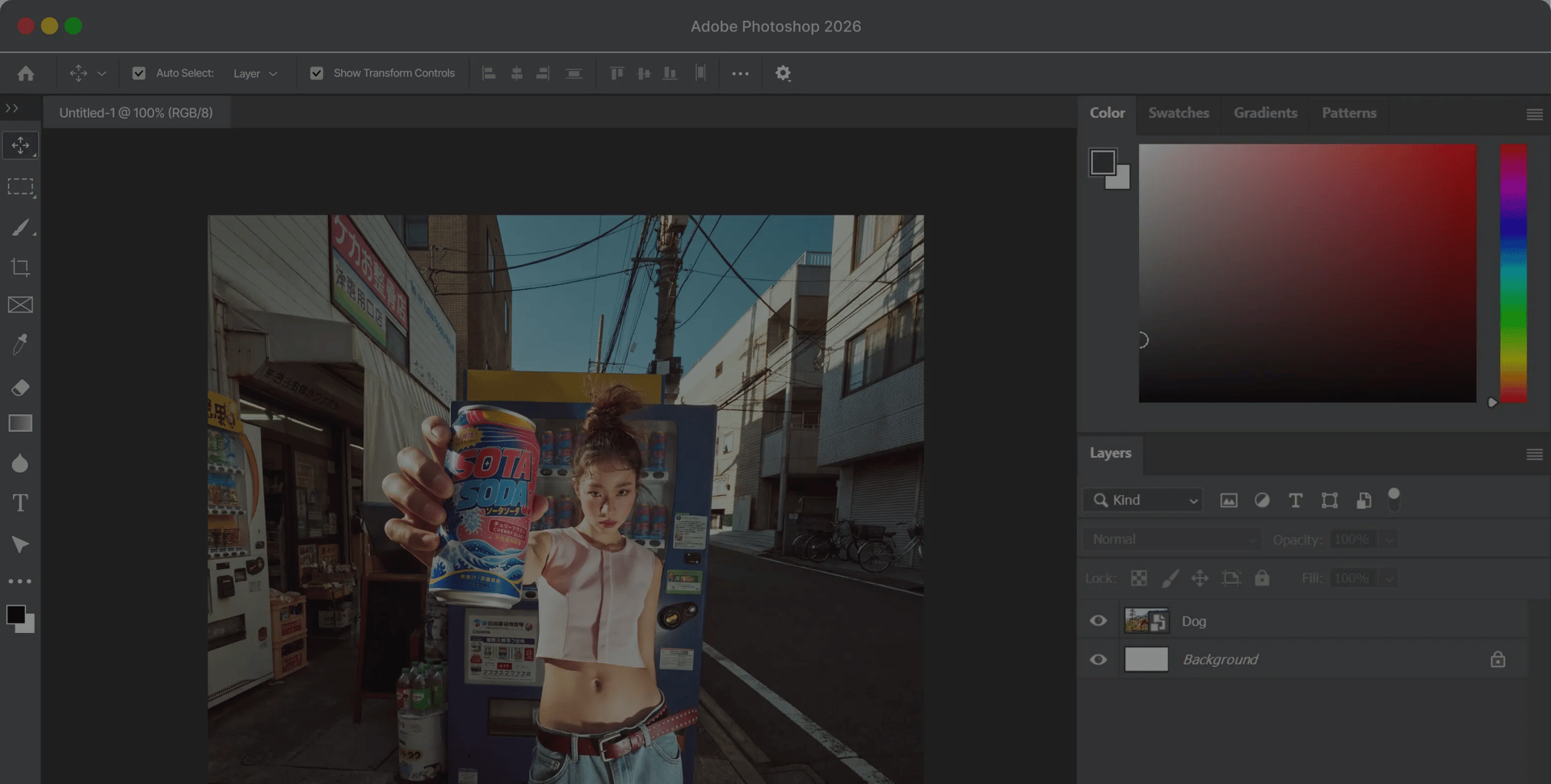
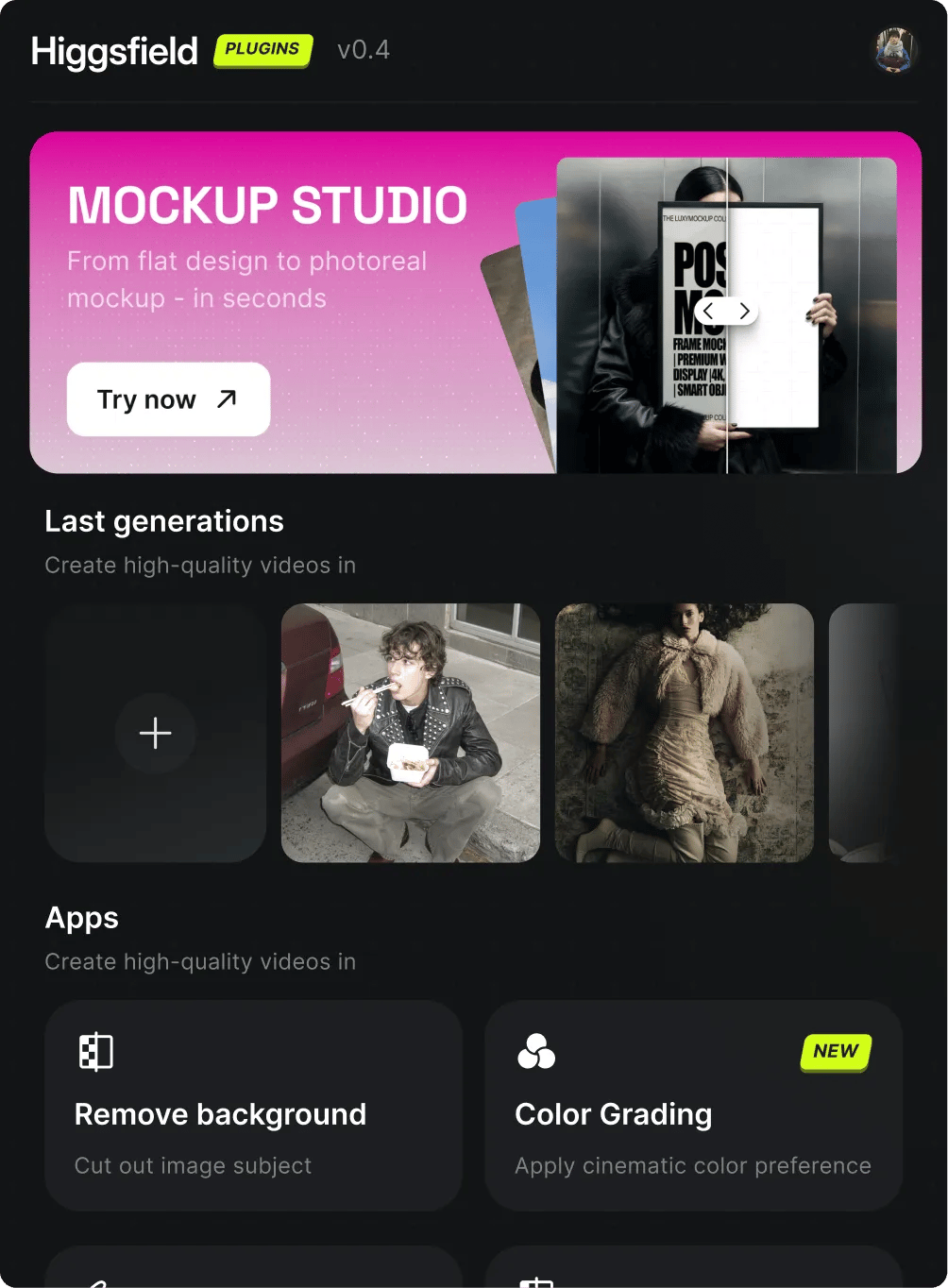
Download our .ccx file below, then drag and drop it onto the ZXP installer window. Installation completes in seconds - no clicks needed
Launch Photoshop, then go to Window → Extensions → Higgsfield. All five plugins are ready to use directly from the panel
Create any visual with natural language. Build backgrounds, overlays, title cards, or scene elements - just describe what you want and Higgsfield drops the result straight into your Adobe timeline
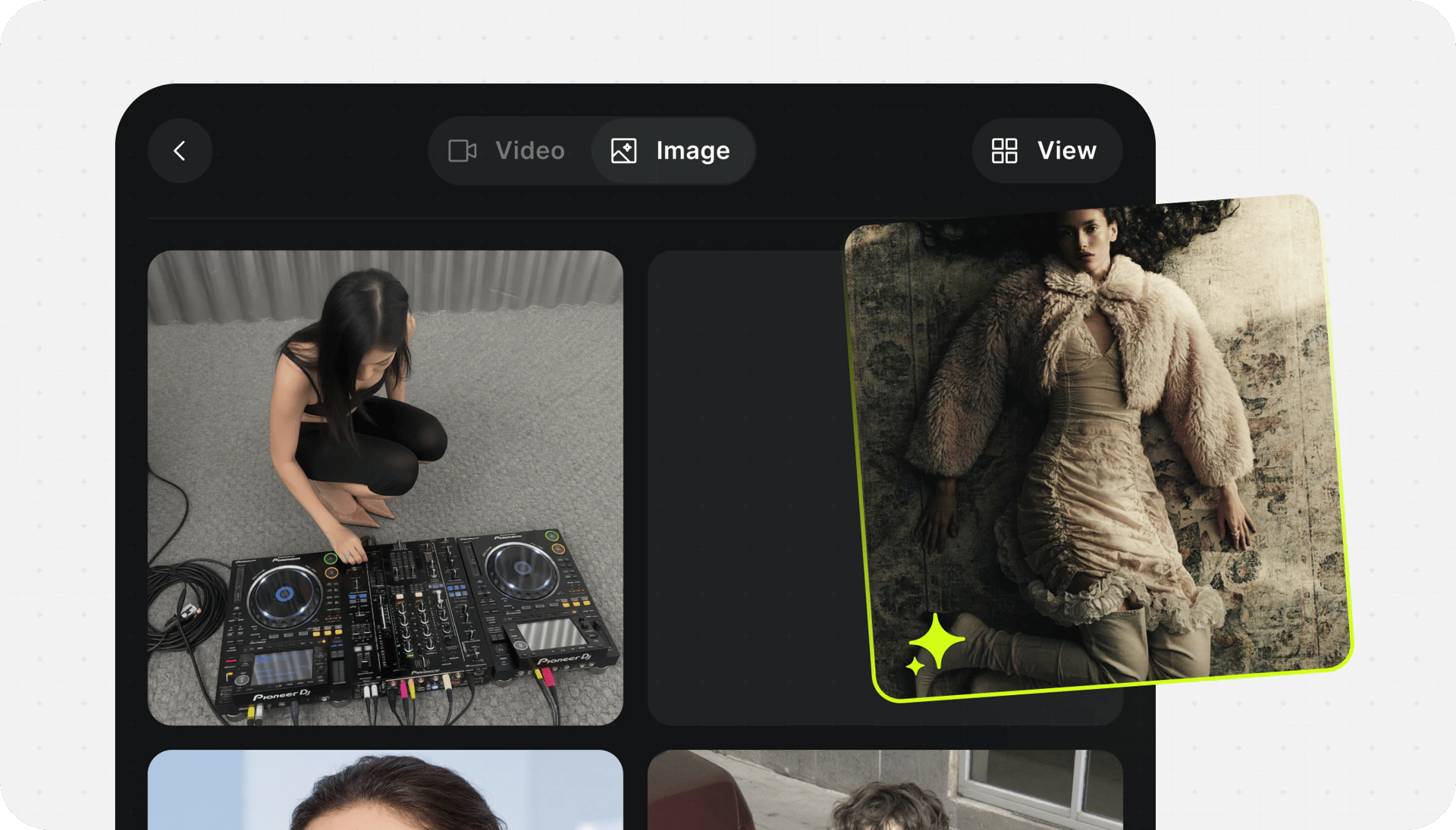
Create any visual with natural language. Build backgrounds, overlays, title cards, or scene elements - just describe what you want and Higgsfield drops the result straight into your Adobe timeline
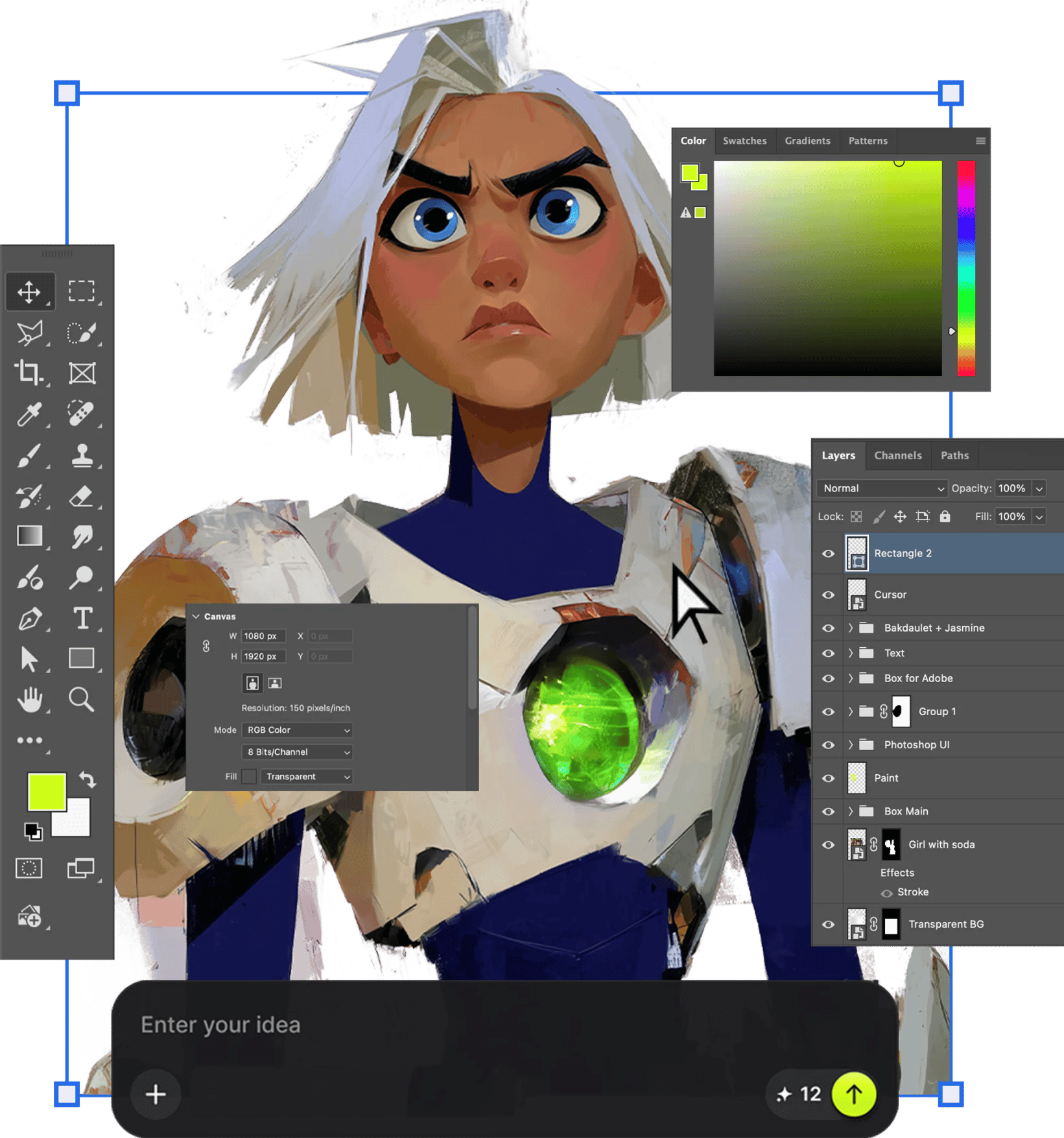
Draw straight on your canvas and watch AI sync every stroke in real time. Sketch an idea, block in shapes, or paint over a layer - the result updates live as you go. No waiting, no round-trips between tools
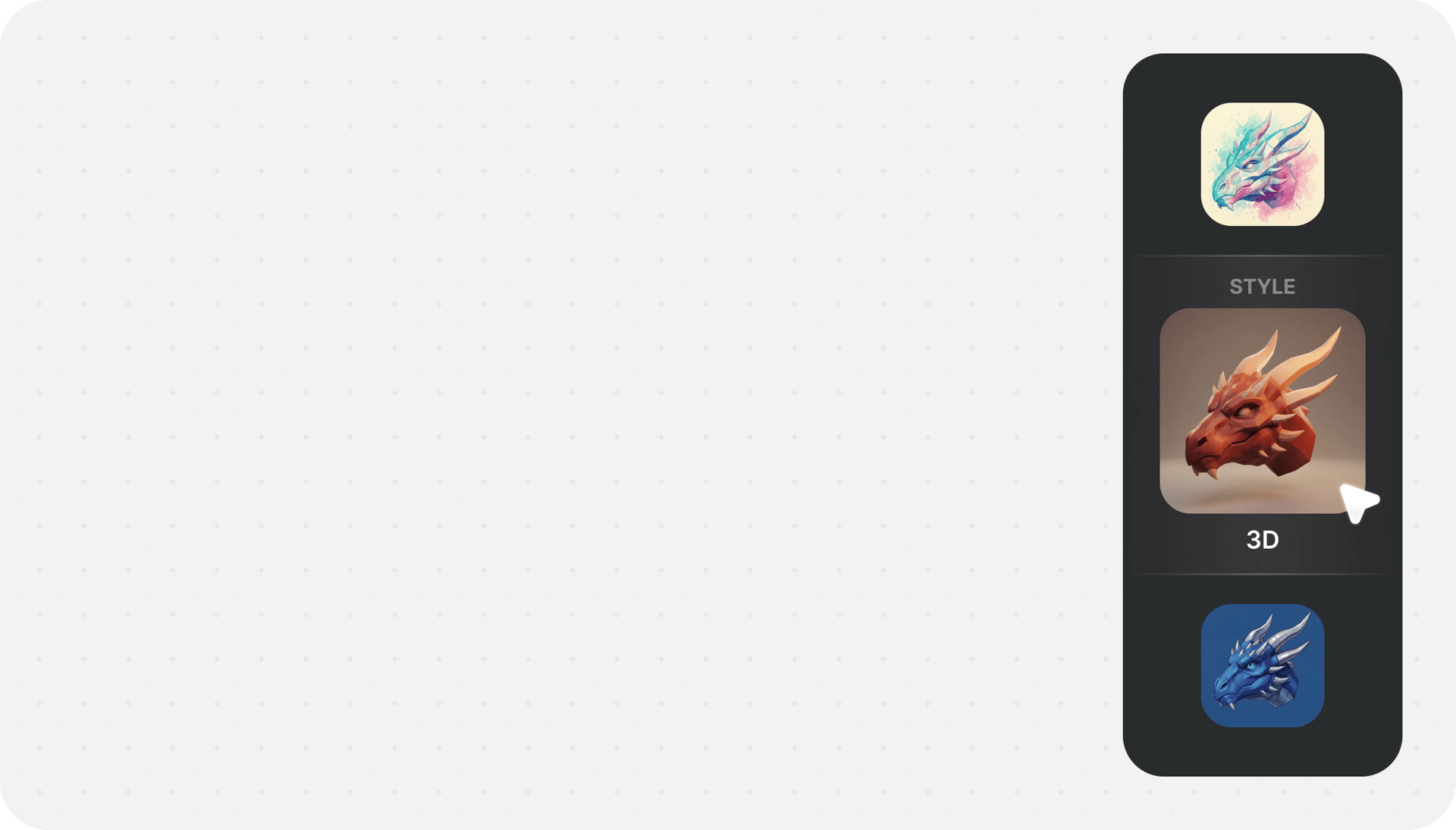
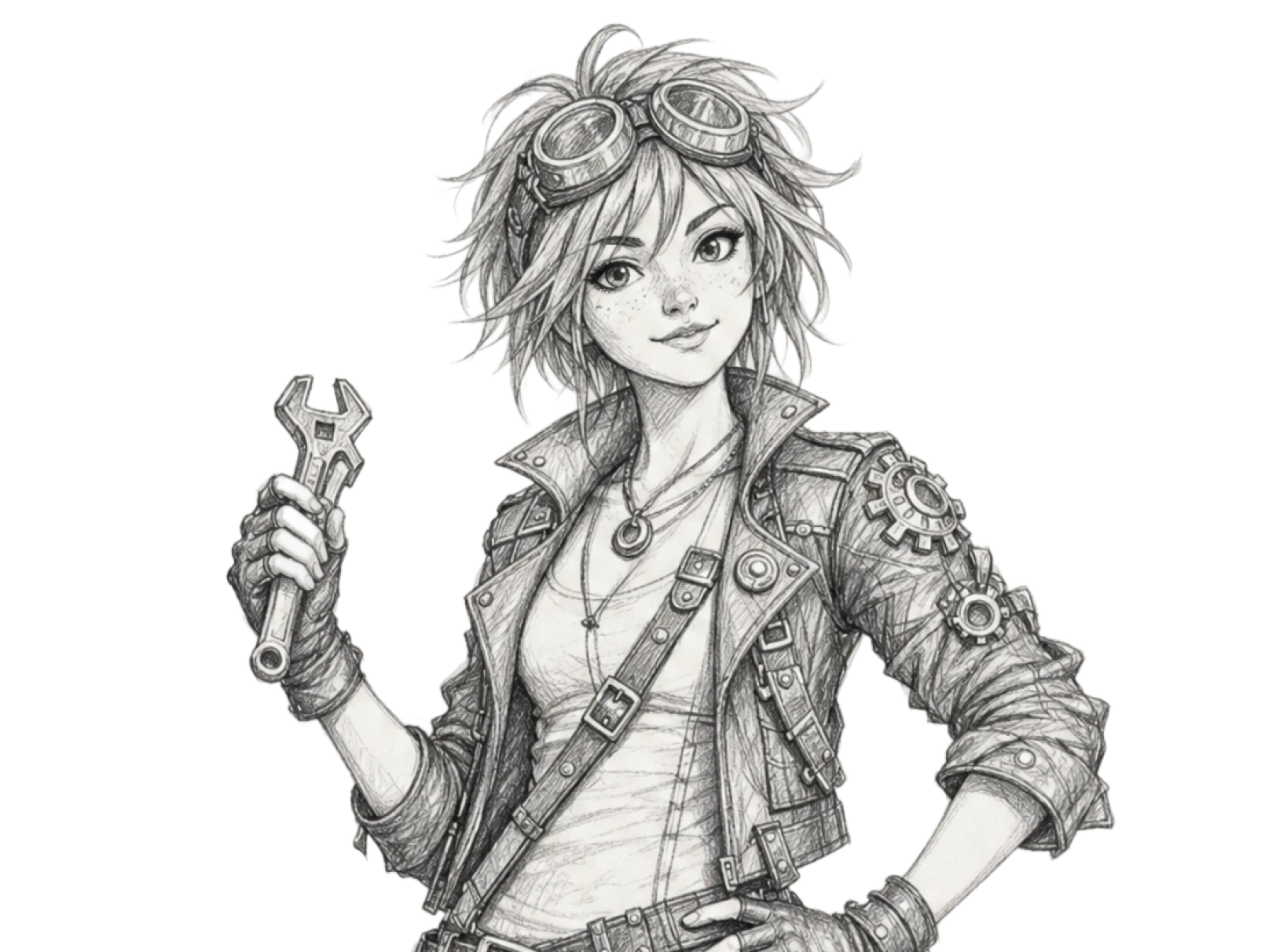

Draw straight on your canvas and watch AI sync every stroke in real time. Sketch an idea, block in shapes, or paint over a layer - the result updates live as you go. No waiting, no round-trips between tools
Drop in a flat design or product shot and get a realistic mockup in context - packaging, devices, cards, scenes. Perfect for pitch frames and store assets, built right on your canvas
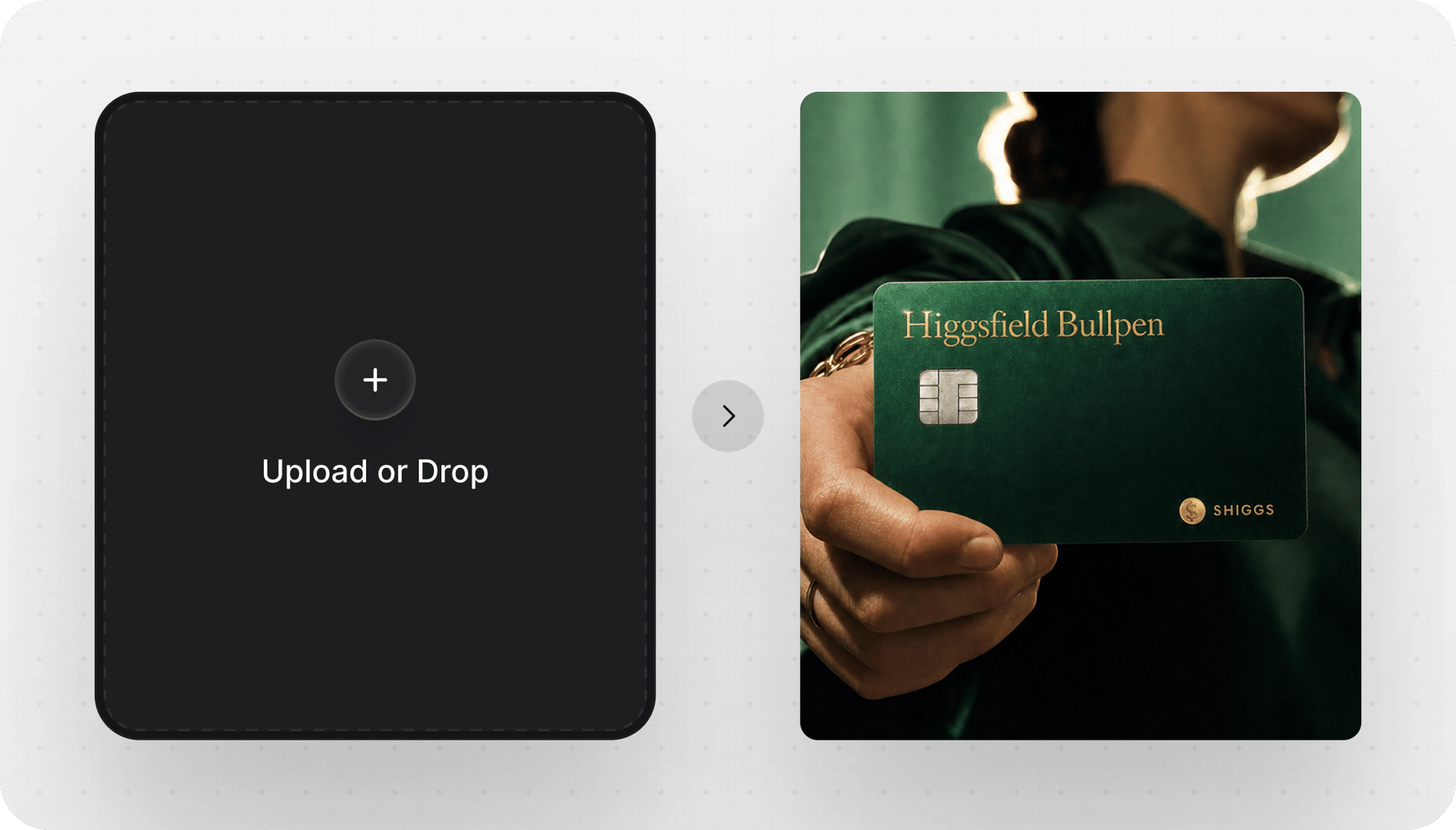
Drop in a flat design or product shot and get a realistic mockup in context - packaging, devices, cards, scenes. Perfect for pitch frames and store assets, built right on your canvas
Break any flat image into clean, editable layers in one click. Separate subject from background, pull apart elements, isolate details you'd normally mask by hand. Each layer comes back ready to move, retouch, or restyle
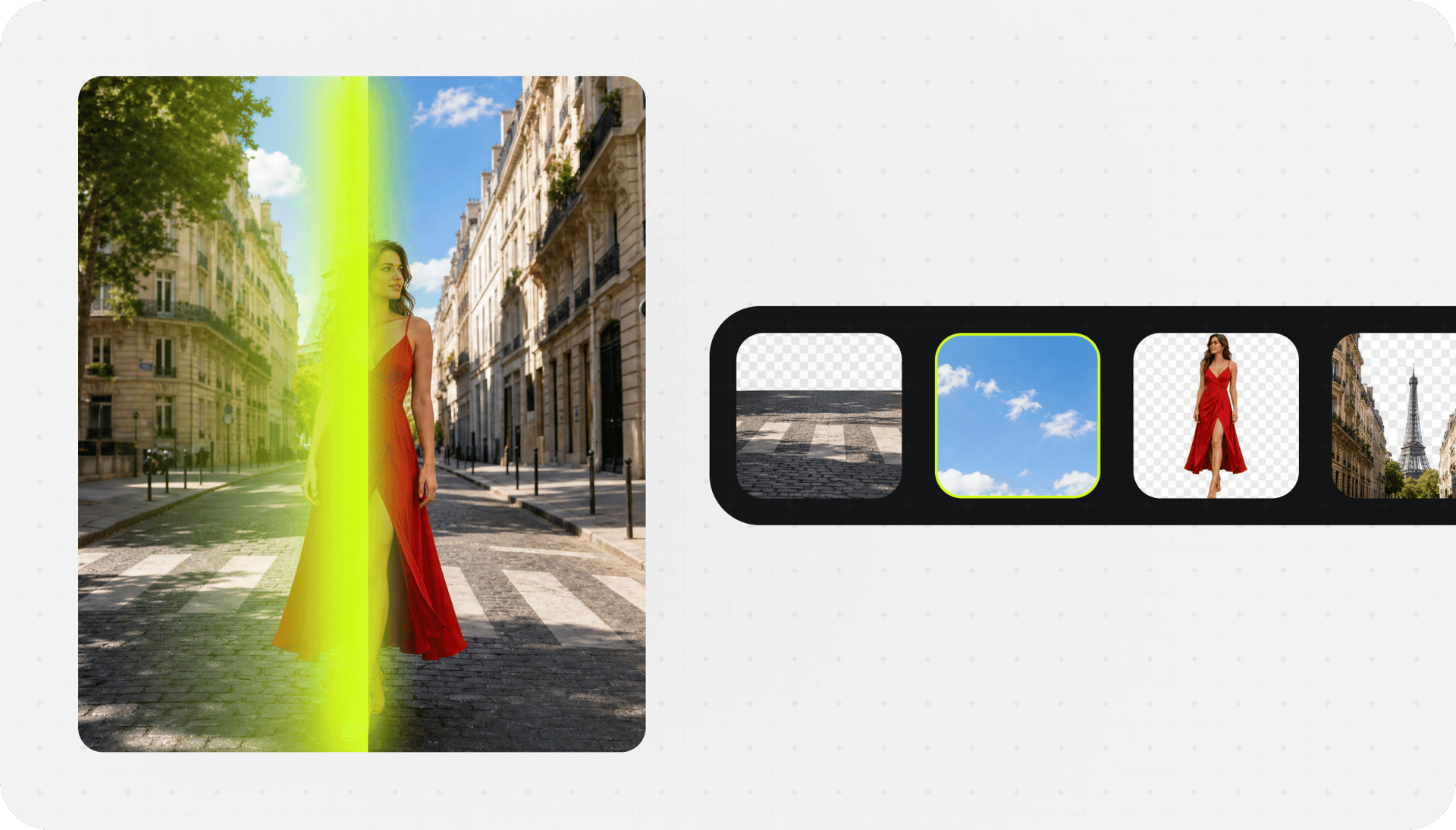
Break any flat image into clean, editable layers in one click. Separate subject from background, pull apart elements, isolate details you'd normally mask by hand. Each layer comes back ready to move, retouch, or restyle
Crop any clip to 9:16, 16:9, 4:3, 3:4, 21:9, or 1:1 with one click. Smart subject tracking keeps the focal point perfectly centered as the aspect ratio changes - no manual reframing, no awkward crops
Crop any clip to 9:16, 16:9, 4:3, 3:4, 21:9, or 1:1 with one click. Smart subject tracking keeps the focal point perfectly centered as the aspect ratio changes - no manual reframing, no awkward crops
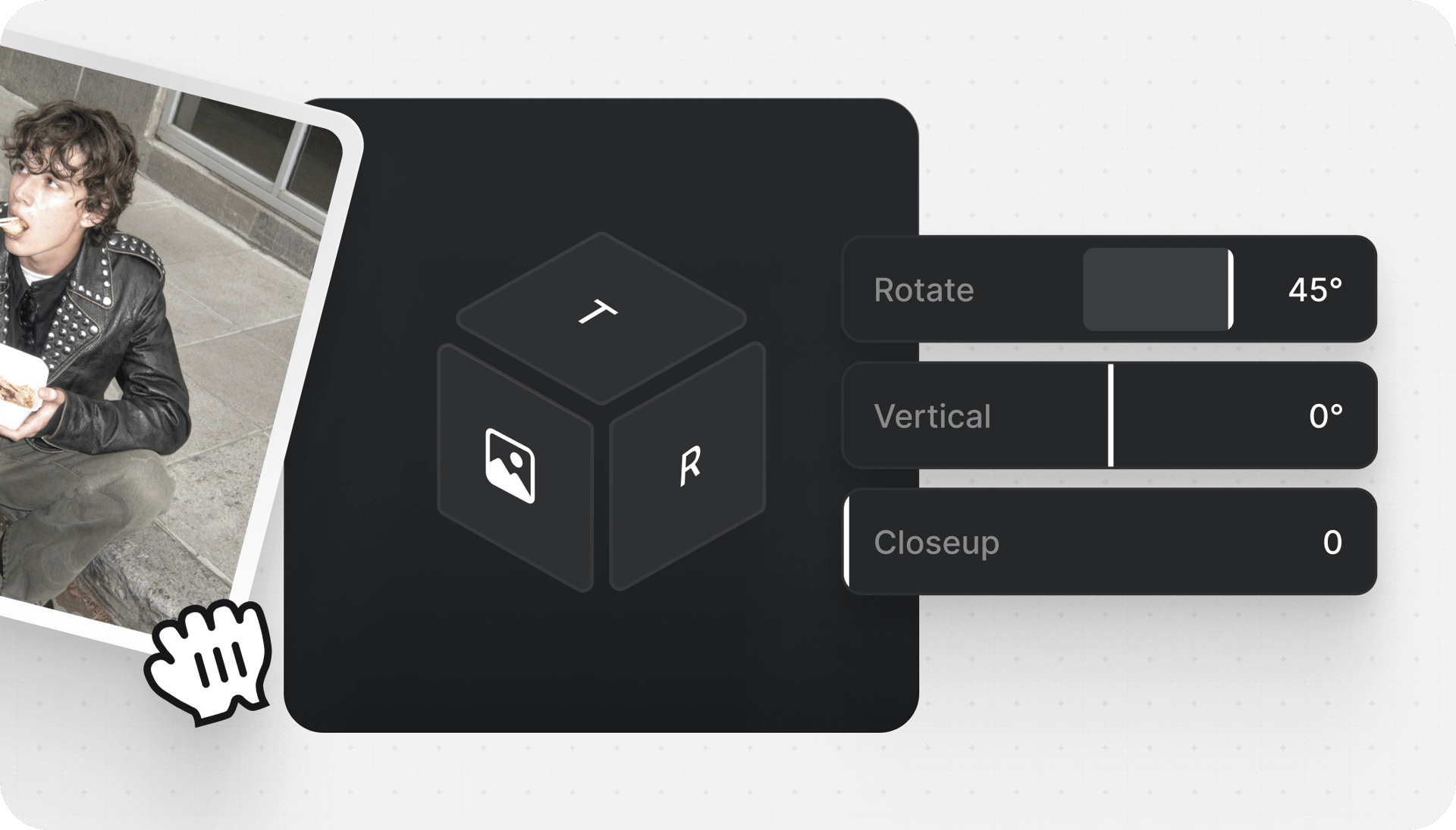
Turn one frame into a full storyboard of camera angles. Generate wide shots, close-ups, and new perspectives of the same scene, all consistent with your original - right inside Photoshop

Turn one frame into a full storyboard of camera angles. Generate wide shots, close-ups, and new perspectives of the same scene, all consistent with your original - right inside Photoshop
Everything else you can do, all in one place
Replace full characters
Cut out image subject
Swap faces in photos
Boost image quality
Improve skin texture
Try on complete outfits
Adobe Photoshop 2024+
Join a global creative network where people generate AI images, share ideas, and inspire each other every day.

Trusted by 5.000+ people worldwide
We’ve answered the most frequently asked questions










Unlock the full power of Higgsfield AI. Generate unlimited videos, images, and audio with all 30+ premium models — completely free for 15 days.