Building a faceless YouTube channel used to mean stitching together separate tools by hand, one for scripts, one for voice, one for editing, one for scheduling. Now AI can handle that whole process in one place. Pick a niche, write the script, generate the video and voice, and get it posted automatically. It all happens across YouTube, Shorts, and TikTok on a set schedule. No juggling four different subscriptions to get there.
TL;DR
Supercomputer plans the niche and drafts scripts. Cinema Studio 4.0, Seedance 2.5, or Kling 3.0 generate the video. Seed Audio 1.0, VibeVoice, or Seed Speech generate the voice. Soul ID and Popcorn keep everything consistent across episodes. Supercomputer then posts the result to YouTube, Shorts, and TikTok on a schedule. Read on for the full breakdown of each tool and the step-by-step workflow.
What Kind of AI Faceless Videos You Can Create
The format covers more ground than most people assume before they've tried building one:
- Explainer channels break down a single topic repeatedly, science, history, finance, in a consistent visual style episode after episode.
- Documentary-style channels cover real events, places, or historical moments using narration and observational camera work rather than a studio setup.
- Narrative retelling channels turn a genre, horror, mythology, true crime, into serialized stories with a consistent voice and visual identity.
- List and comparison formats work through a recurring structure, "top 5" or "versus" videos, where the format itself is the hook rather than any single episode's content.
- Mascot or character-driven channels build a recurring animated or stylized figure that appears across every video, giving the channel a face without ever putting an actual person on camera.
What ties all of these together isn't genre, it's repeatability. A viewer who watches one episode should recognize the next one as part of the same channel, which is what separates a real channel from a series of disconnected AI-generated clips.
How Higgsfield Covers Every Stage
Rather than one do-everything generator, building a faceless channel runs through a sequence of tools, each handling a distinct part of the pipeline.
Stage | Tool | What it does |
|---|---|---|
Niche and concept | Supercomputer | Plans the channel concept and content direction in a guided conversation |
Script | Supercomputer / Claude | Drafts the script and structure for each video |
Video generation | Cinema Studio 4.0, Seedance 2.5, Kling 3.0 | Generates the actual footage from the script |
Voice | Seed Audio 1.0, VibeVoice, Seed Speech | Generates narration, matched to tone and, if needed, multiple languages |
Consistency | Soul ID, Popcorn | Keeps a recurring visual style, character, or setting consistent across episodes |
Publishing | Supercomputer, Scheduled Tasks | Posts to YouTube, TikTok, and Shorts on a set schedule automatically |
What Each Tool Actually Does, and Its Key Settings
Supercomputer is where the channel concept gets planned and where scripts get drafted, in a guided conversation rather than a blank text field. It holds context across a whole project, so the channel's tone and format stay consistent across many separate script-writing sessions rather than resetting each time.
Key settings: Parallel Chats for running multiple episodes' worth of work simultaneously, Scheduled Tasks for recurring automated jobs.
Cinema Studio 4.0 handles video generation for any format that needs directorial control, with clips up to 30 seconds and up to 50 references per generation. Genre, camera, lens, tempo, emotion, colour palette, and era apply as explicit settings, so the model doesn't have to infer them from a text prompt. This is the right tool when the channel's visual identity depends on a consistent look. A horror retelling channel needs different lighting logic than an explainer channel, and Cinema Studio's controls help keep that logic consistent across episodes.
Seedance 2.5 and Kling 3.0 cover more straightforward video generation when a format doesn't need that level of directorial control, a list-format channel or a simple explainer with less emphasis on cinematic look and more on getting clear visuals out quickly. Key settings: reference inputs for consistency, plus resolution and duration options that vary by model.
Seed Audio 1.0 generates speech and ambience together and handles multi-speaker scenes, so narration can sit on atmosphere when a scene calls for it. It also covers voice cloning from a short sample and dubbing, which is useful for anything beyond a flat voiceover, such as a narrative channel with atmosphere behind the narration.
VibeVoice is built for long-form narration such as audiobooks and podcasts, and it stays natural over a much longer stretch than a typical video clip, which matters for any channel format running longer than a minute or two per episode.
Seed Speech is ByteDance's multilingual text-to-speech model and covers narration across 30+ languages, relevant the moment a channel is aiming at more than one audience or market. Key settings vary by model and include voice selection (Seed Audio offers 50+ presets), language selection on Seed Speech, and speed, volume, sample rate, and output format on selected models.
Soul ID trains a persistent identity, a recurring mascot, character, or figure, from reference images once, and that identity then helps keep the character consistent across episodes without re-uploading a reference each time.
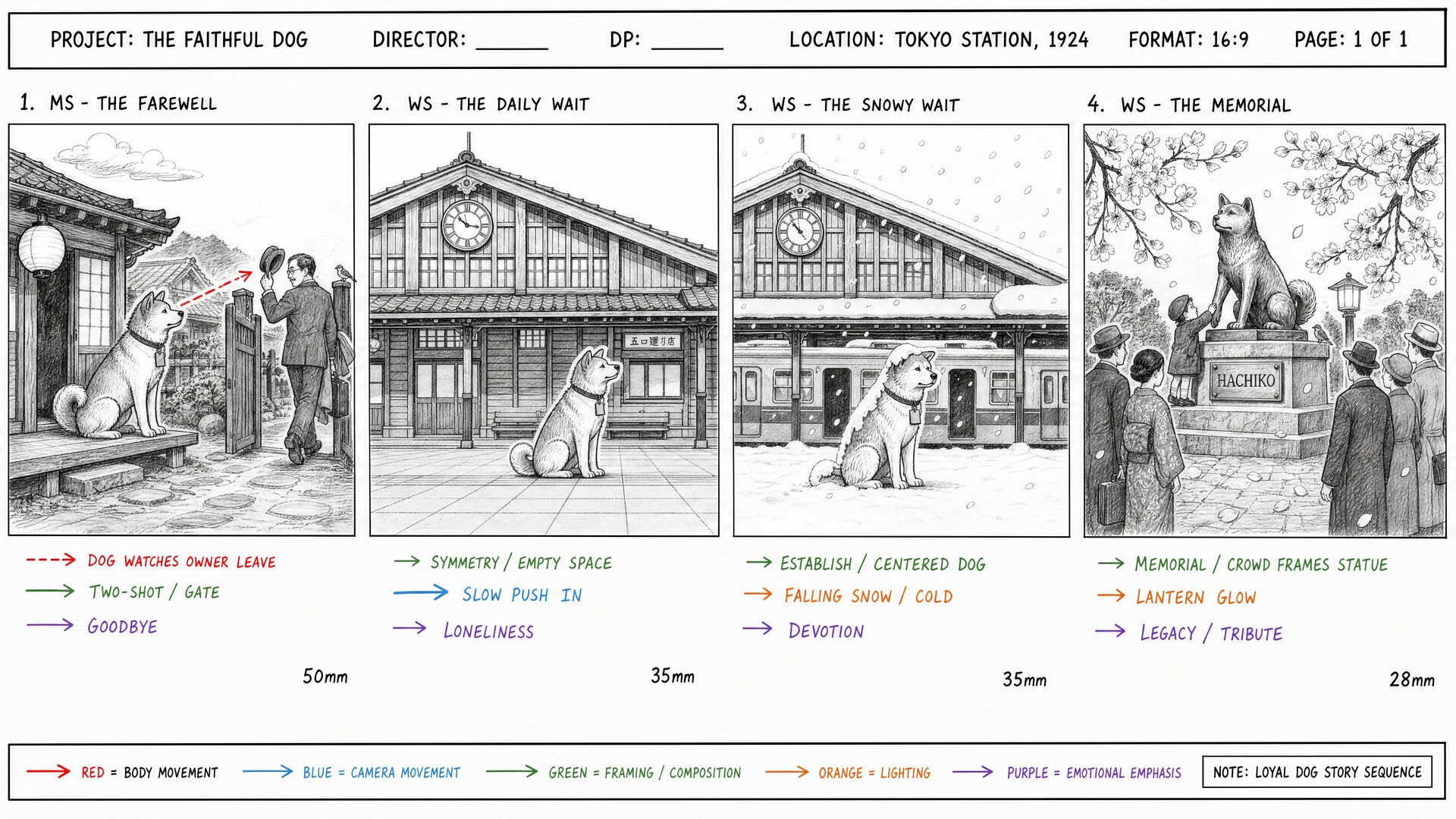
Popcorn turns scene descriptions and references into a connected storyboard sequence before video generation happens, up to 8 frames for a single episode. Auto mode can expand one prompt into the sequence, and Manual mode lets you direct each frame, which helps catch drift between shots before any video is generated. Key settings: Soul ID trains from 20+ reference photos; Popcorn accepts up to 4 image references and outputs 4, 6, or 8 frames in Auto or Manual mode.