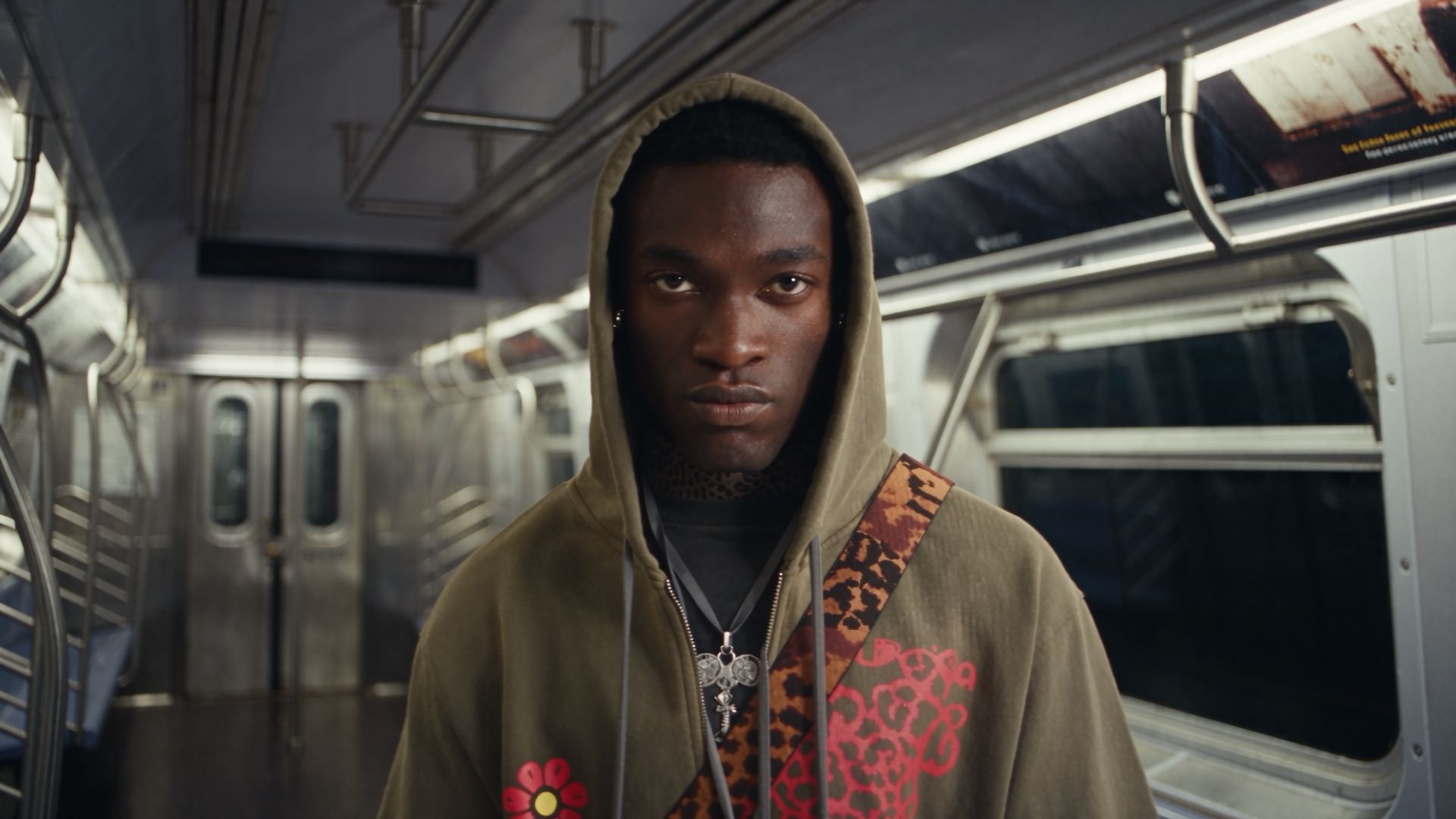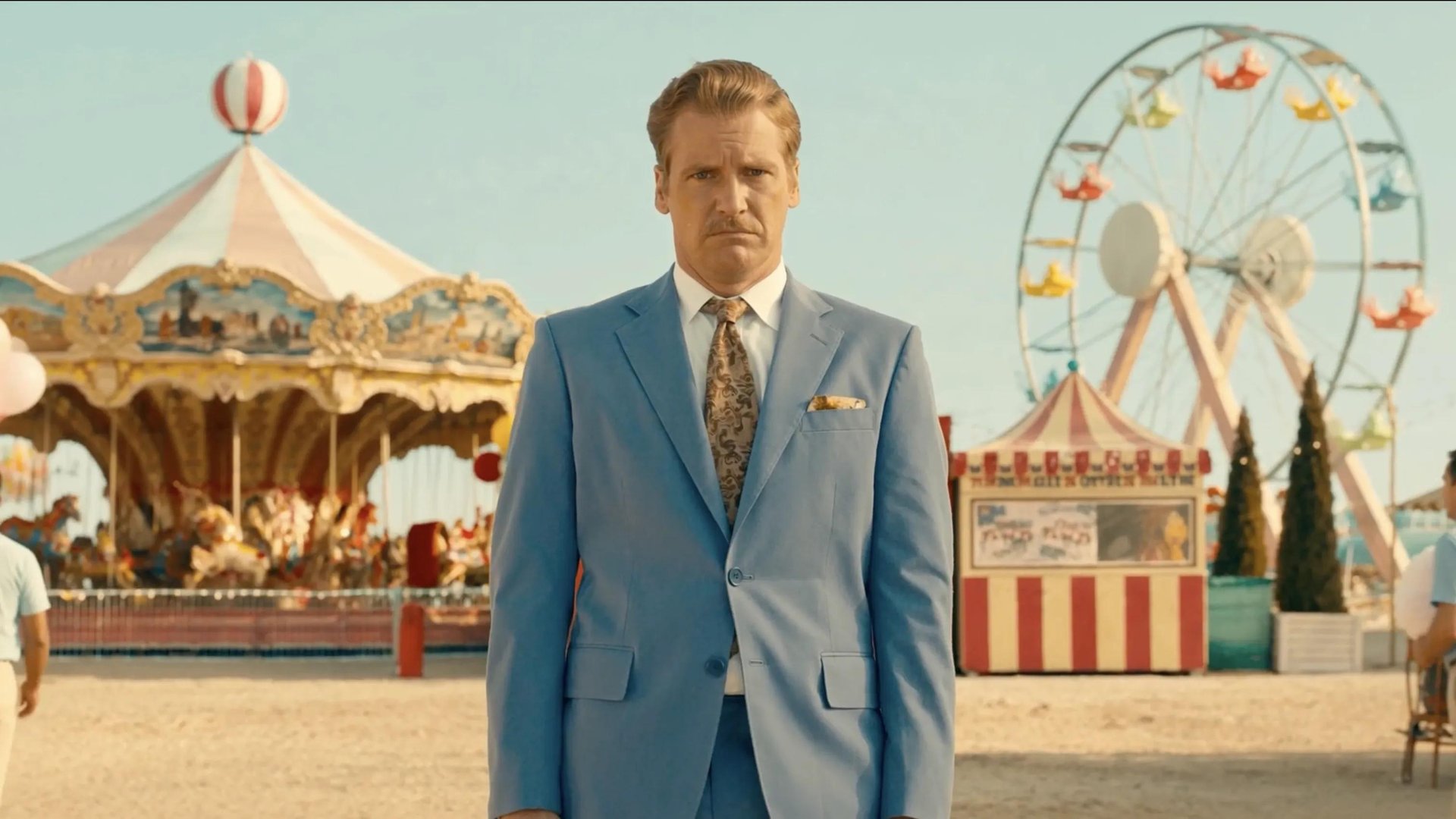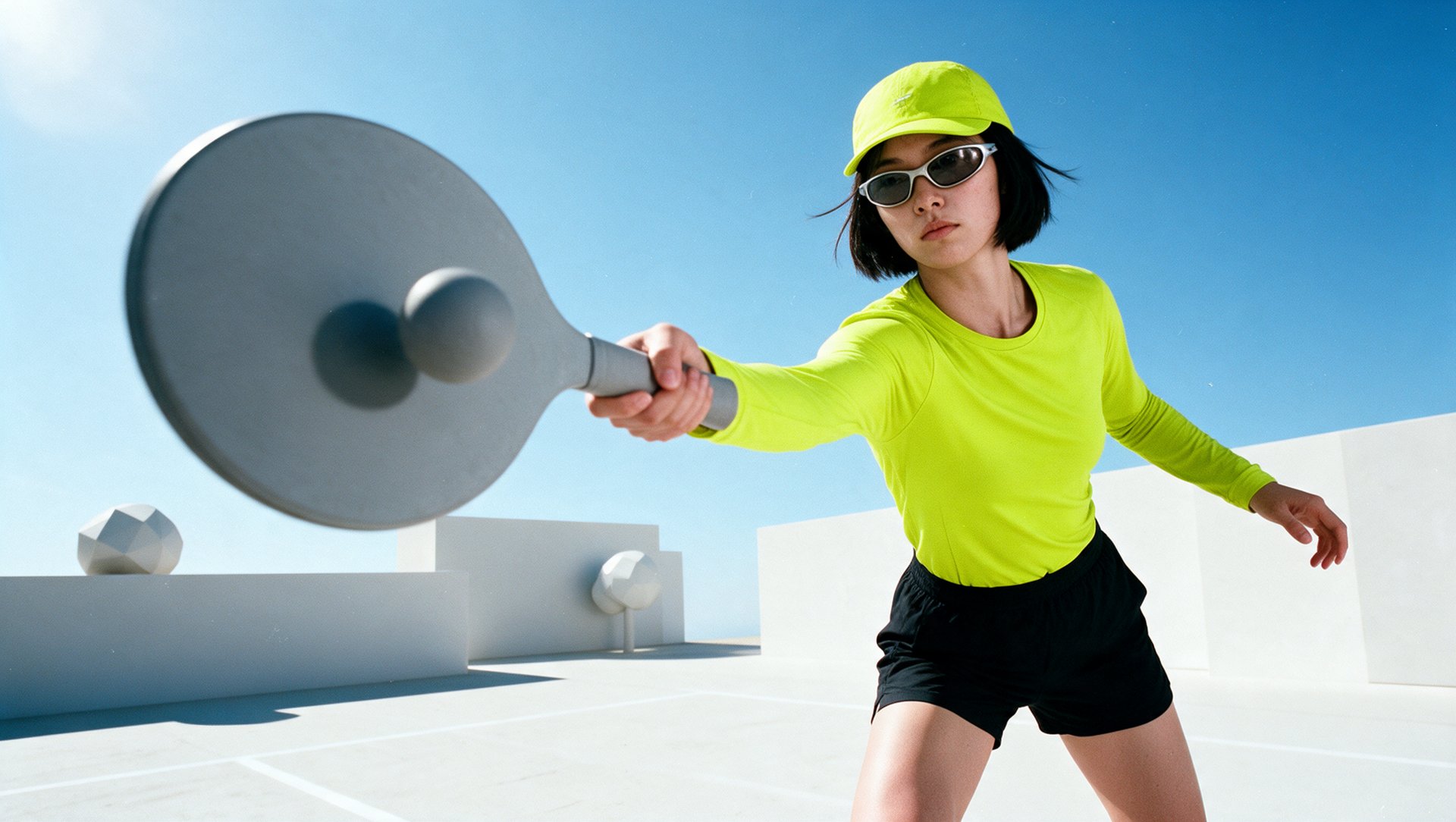
Motion designers use AI for four jobs: creating graphics, animating visuals, controlling movement, and refining finished video. This guide compares nine tools, from clip generators to tools that work inside editable compositions. It covers what each tool does, how you continue working with the result, and what it costs, including plan limits.
Where Does AI Fit Into a Motion Design Workflow?
AI helps at four stages of a motion design project:
- Concept development: visual ideas and style frames.
- Asset creation: images, backgrounds, and 3D objects.
- Animation: movement of graphics, characters, and the camera.
- Compositing and finishing: masks, cleanup, and combining materials.
The tools below produce two kinds of output. A generated video is a single rendered clip: you can trim, grade, or composite it, but you cannot separately edit its text, shapes, objects, or animation after generation. A project with editable layers and keyframes keeps text, shapes, timing, and animation separate, so you can change a headline or a duration without regenerating anything. Some tools on this list produce the first, some work with the second, and a few connect the two.