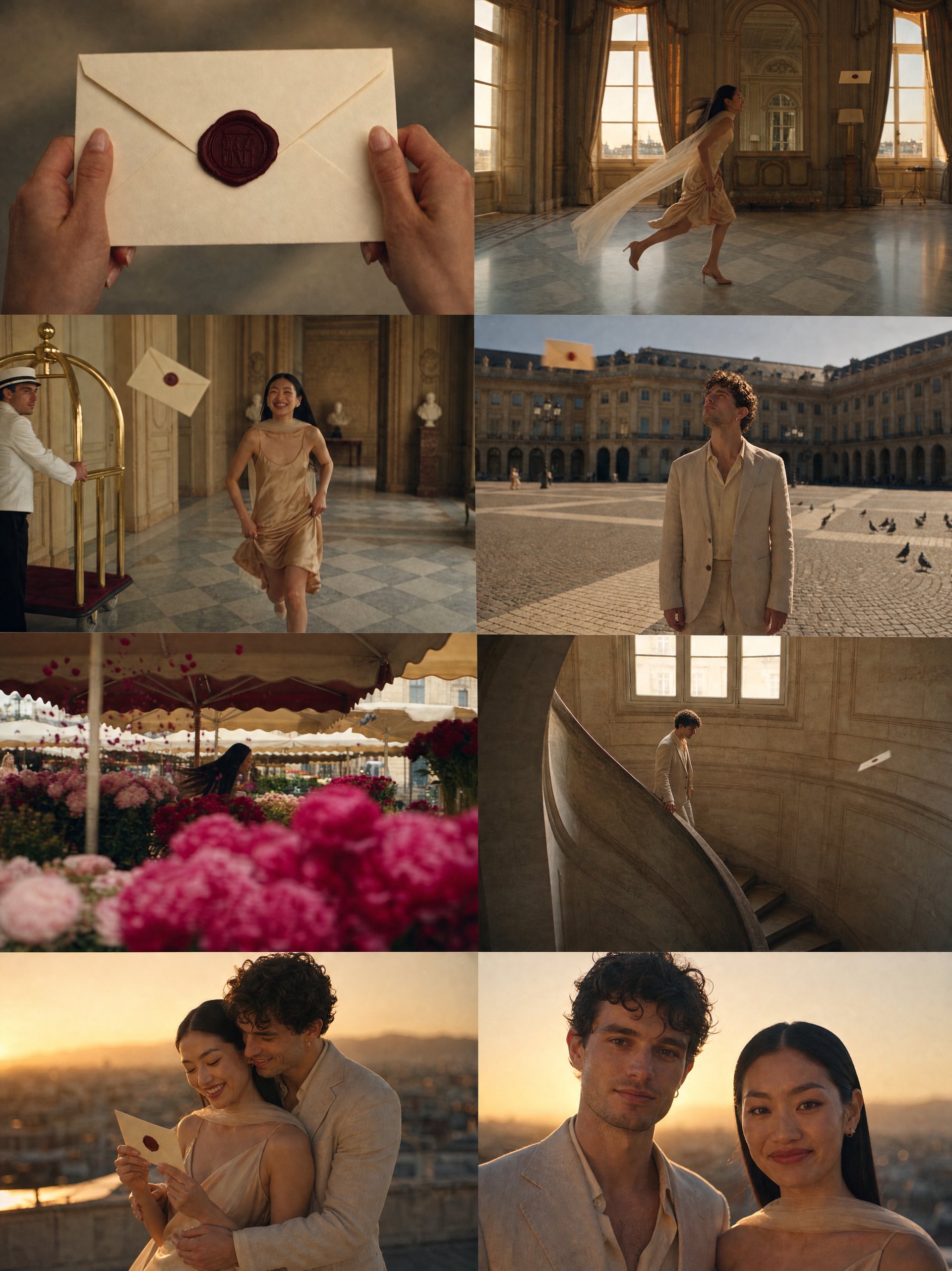
An AI wedding invitation is created from ordinary photos of the couple in seven steps, from character training to a finished film of up to 30 seconds in Cinema Studio 4.0. The whole pipeline runs on higgsfield.ai, inside one AI-native creative suite. Cinema Studio 4.0 is how Higgsfield handles cinematography.
What do you need for AI-generated video and photo invitations?
Wedding invitations take many forms: printed cards, dedicated wedding websites, video announcements, even live performances. This guide walks through one of them step by step: an invitation video created with AI from pictures the couple already has, plus photo invitations made from the same set of frames. Every step pairs the method with a worked example.
To start, you need:
- Photos of both partners: several clear, recent shots of each.
- The invitation details: names, wedding date, venue, RSVP method, dress code, timing of the day.
- A story concept: a basic idea for the video, refined in Step 2.
- Optional references: the real outfits, favorite locations, a meaningful prop.
- A visual direction: a palette or a mood, locked in Step 3.
Each part of the pipeline is handled by a dedicated part of the suite:
Stage | Model / feature | What it does |
|---|---|---|
Identity | Soul ID | Helps keep each partner's face consistent across generations |
Outfits | AI Stylist | Tries real wedding outfits on the couple's photos |
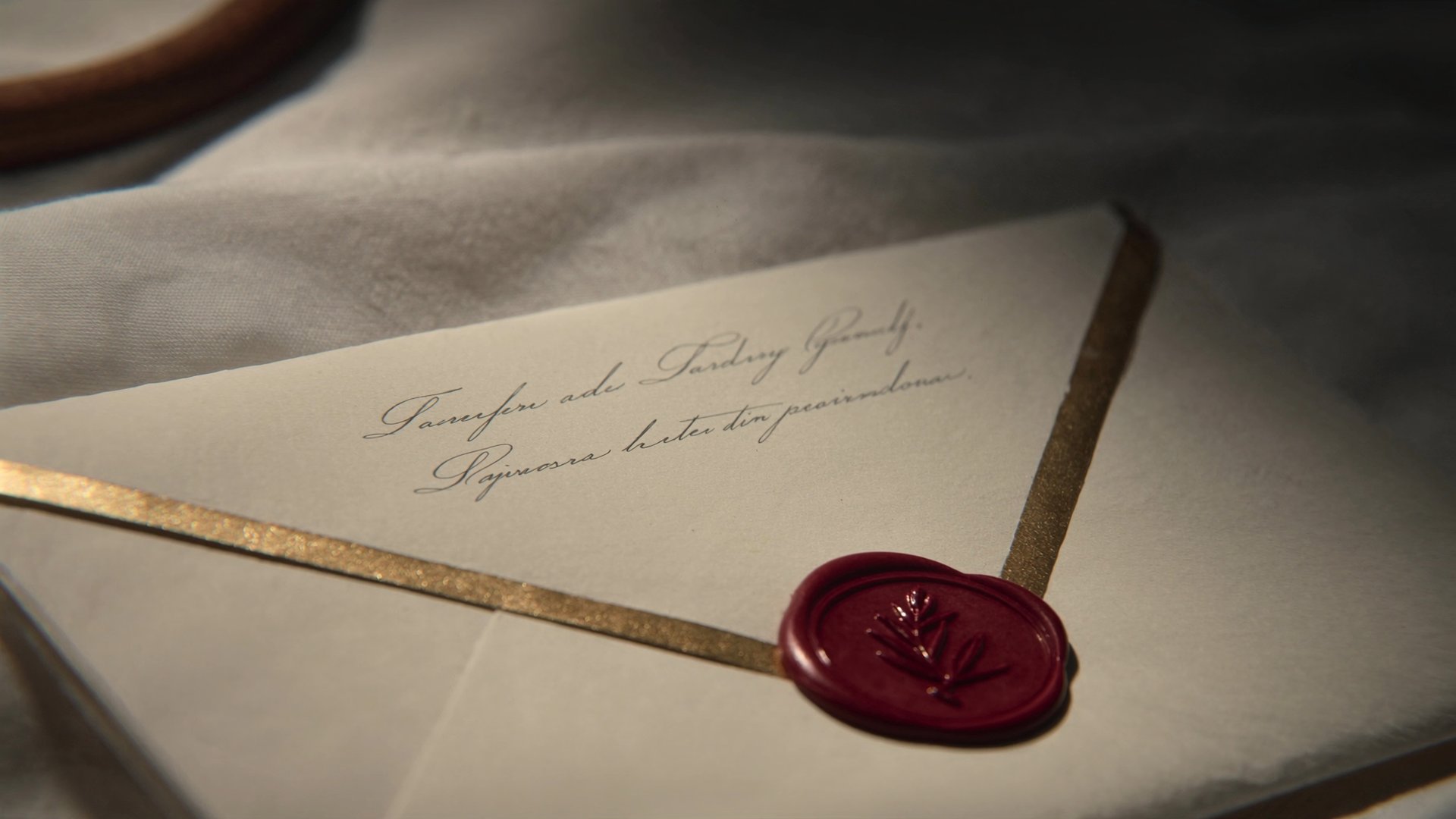
Recurring objects | Elements | Helps keep a prop, such as an envelope or bouquet, consistent across frames. |
Key frames | Nano Banana Pro, Seedream 5.0 Pro, GPT Image 2, Soul Cinema | Generate the styled shots of the couple |
Film | Cinema Studio 4.0 | Turns the frames into a 30-second film with audio |
Step 1: Prepare the photos and identity
Create a character for each partner in Soul ID. Upload 20 to 80 photos of one person: clear, recent, with varied angles and at least one full-height shot. Training runs once; the character is then used through the Soul 2.0 model, appears in Elements automatically, and is tagged with @ in prompts. Soul ID is how Higgsfield handles identity: one face trained once, helping maintain the likeness across generations, styles, and angles.
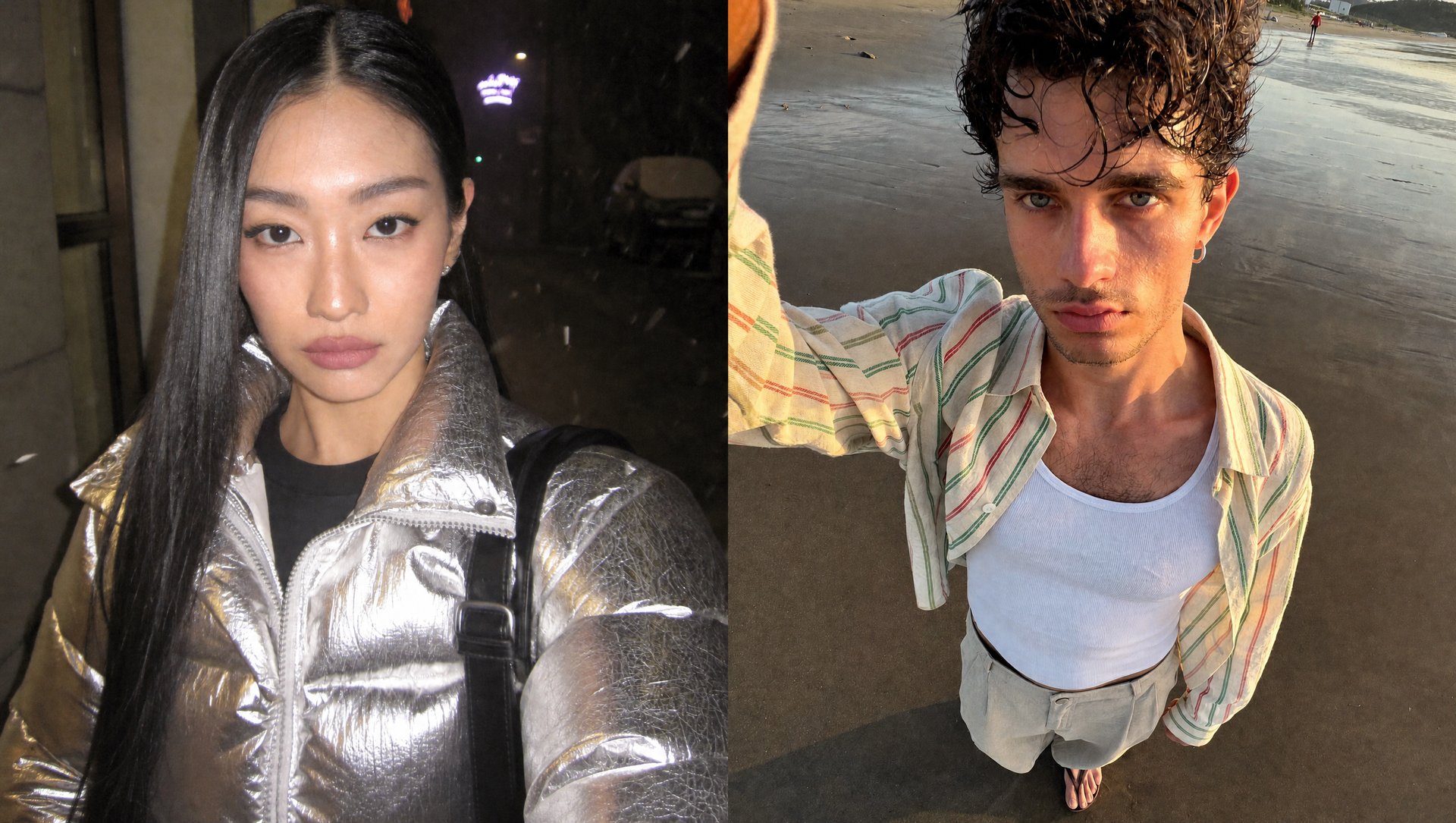
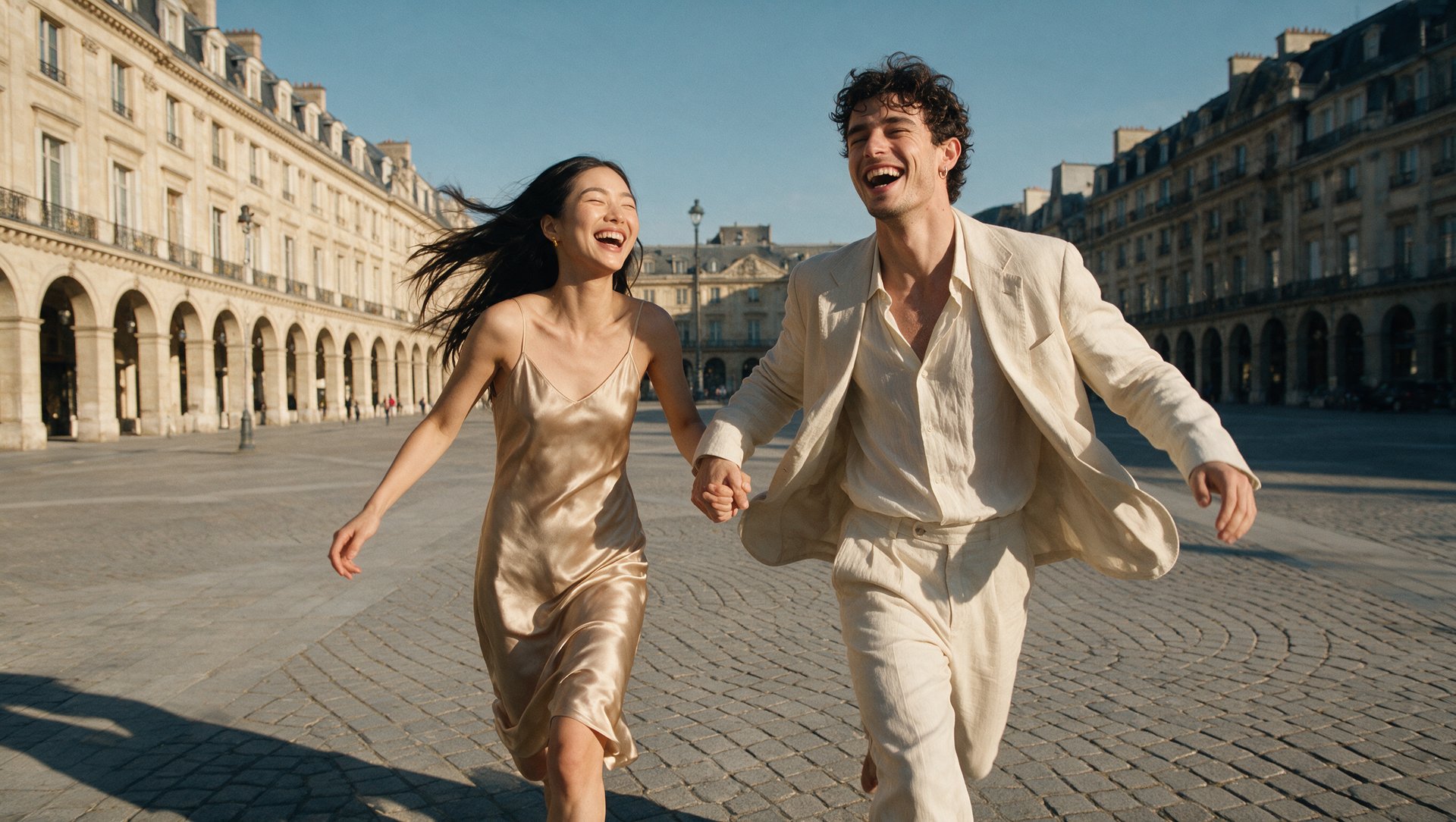
Generate a few portraits with the new characters before moving on. This confirms the likeness and gives you a feel for how each partner reads in different light and framing. The couple in this guide's example does not exist: their reference selfies were generated in Soul Cinema, and the rest of the pipeline treats them exactly like real photos.
Two optional additions at this step:
- Try on the real outfits. If the dress and suit are already bought, upload your photo and photos of the clothing to AI Stylist, piece by piece. The results become outfit references for the key frames.
- Skip training for short projects. For a small set of frames, real photos also work directly as references: the number of supported references depends on the image model you choose, and it is usually enough for both partners, outfits, and a location at once.