The #1 Skin Enhancer: How to Retouch Pictures with AI

Mariam Barova

Mariam Barova

·

Dec 6, 2025

·

12 minutes

The #1 Skin Enhancer: How to Retouch Pictures with AI

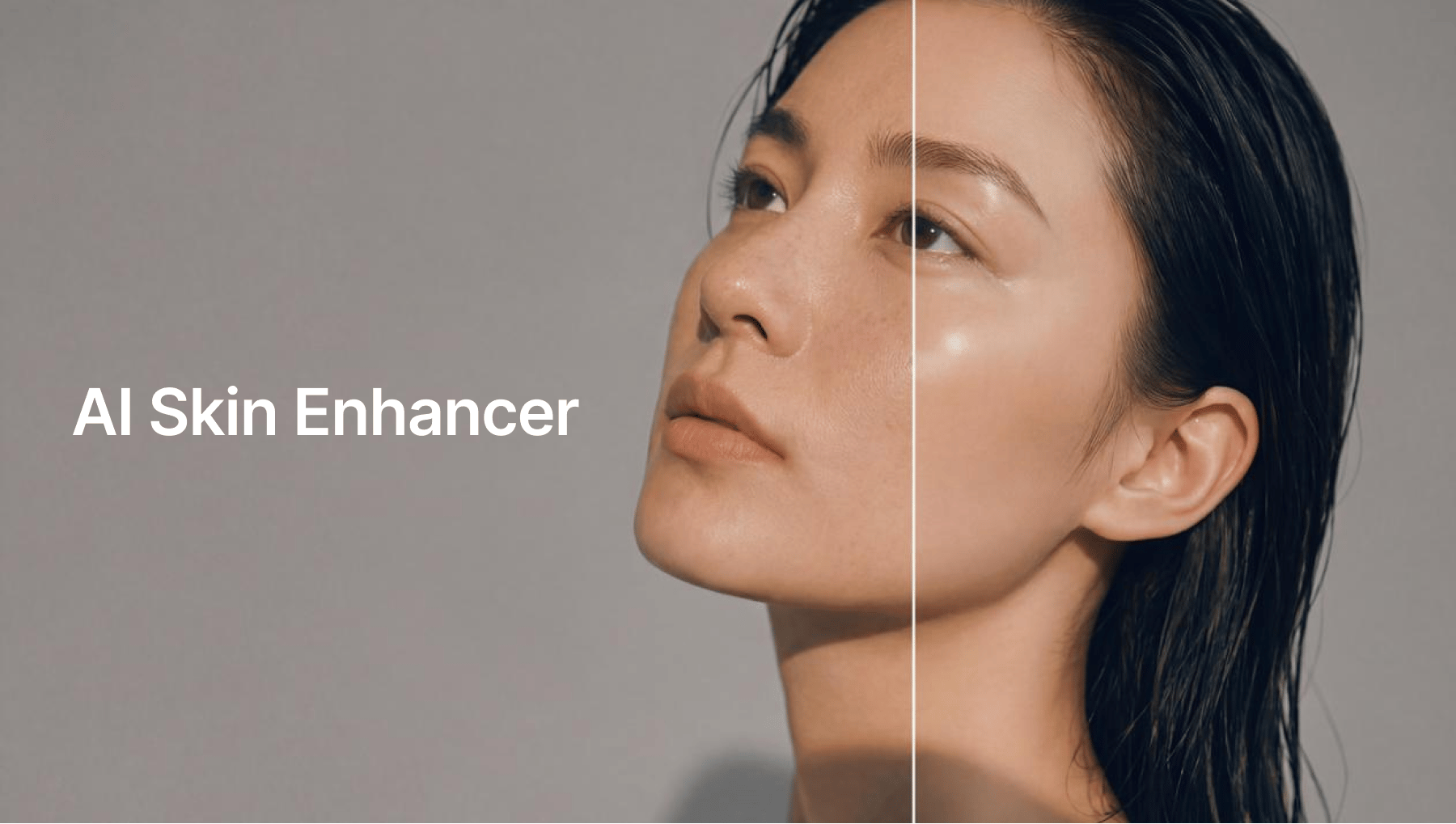
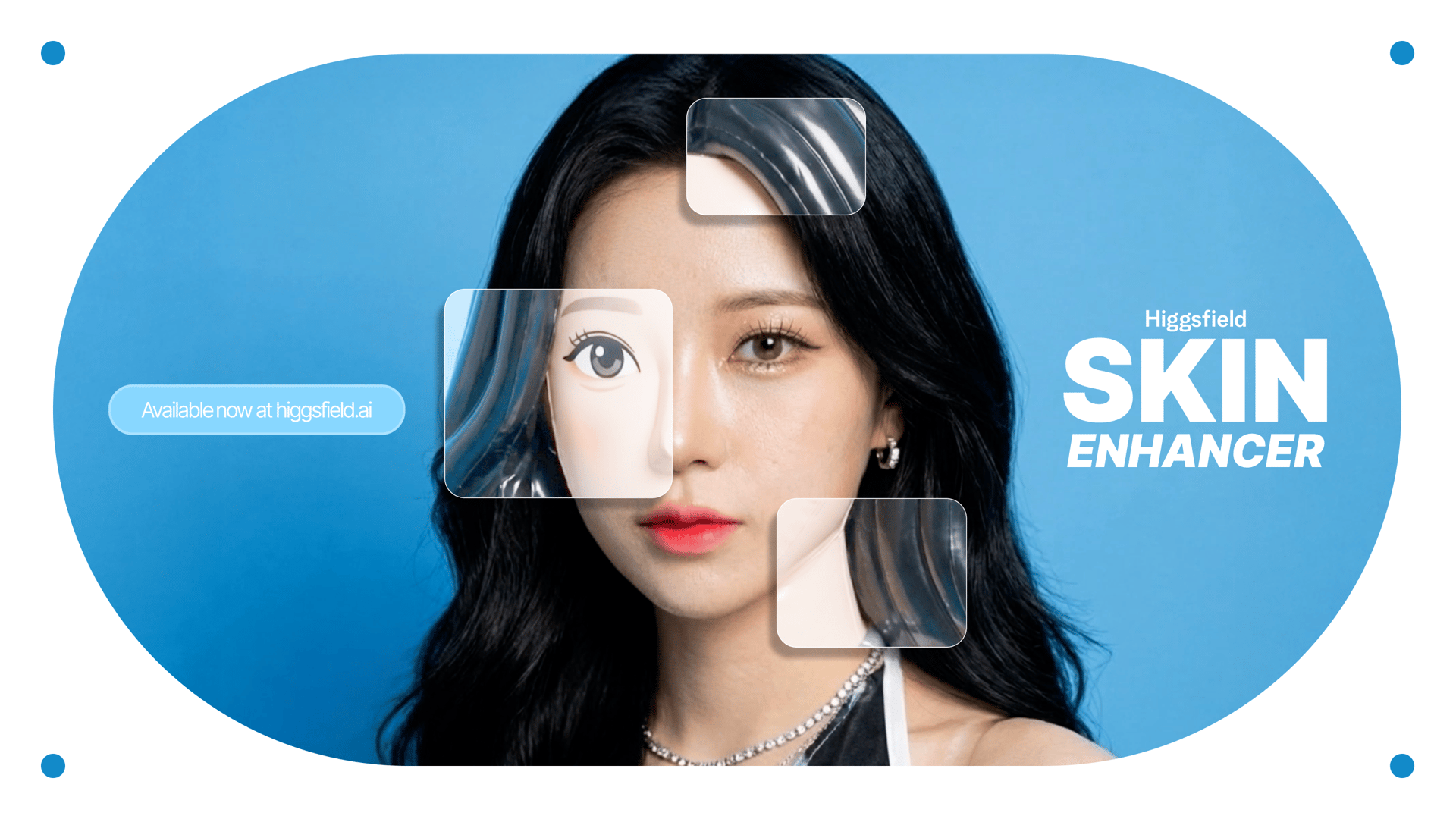
Higgsfield uses next-generation AI Skin Enhancer technology to restore clarity, rebuild facial detail, and smooth skin naturally while maintaining realistic texture. Whether you're looking to fix a noisy selfie, restore a portrait, prepare professional-level profile photos, or enhance social media content, the Higgsfield Skin Enhancer offers a fast, intuitive, and incredibly powerful workflow.

This guide explains exactly how the technology works and includes a full step-by-step walkthrough for the entire process.
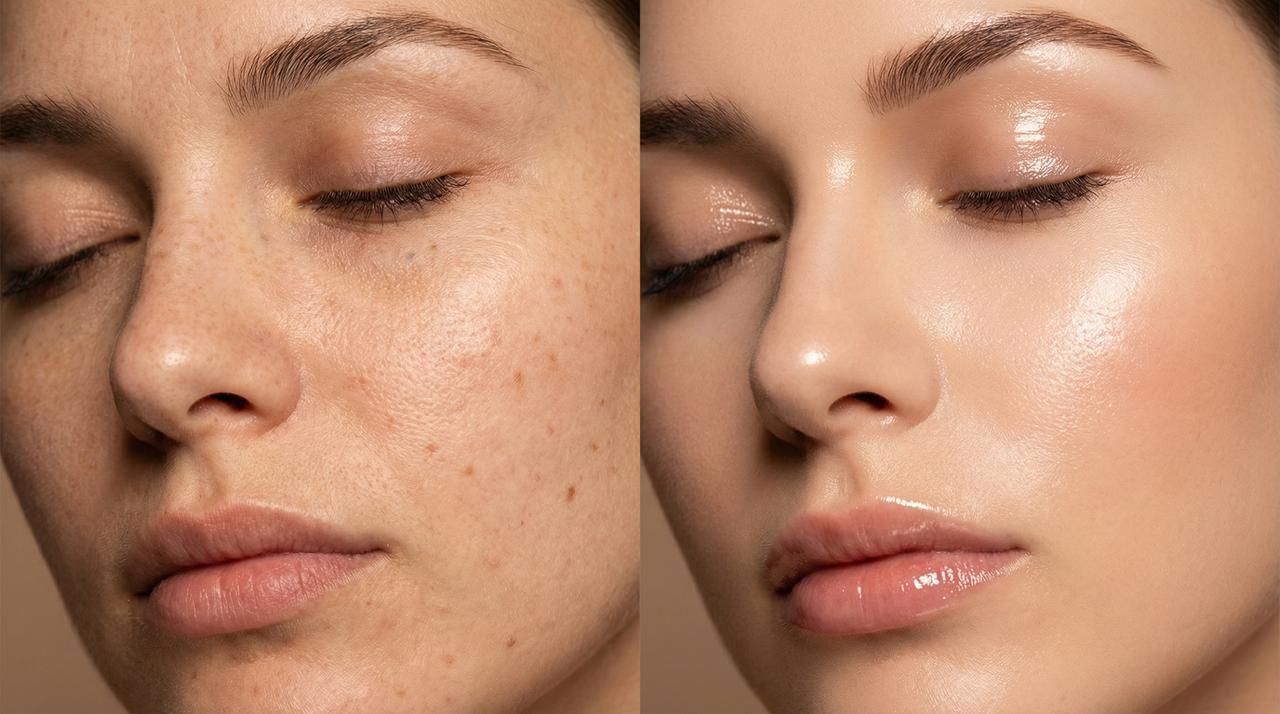
skin enhancer

Why Higgsfield’s Skin Enhancer Is Different from Traditional Filters

Most editing apps rely on blur-based smoothing. This approach removes texture, wipes out detail, and often makes faces look artificial. The Higgsfield model, however, uses a deep semantic engine designed for:

  • ai face detail restoration

  • skin texture reconstruction

  • lighting correction

  • tone balancing

  • noise removal with texture preservation

Instead of hiding flaws, the system rebuilds the missing information, resulting in realistic AI retouching that still looks like you.

This new generation of AI behaves like a digital portrait artist trained on millions of examples.


What the Higgsfield AI Skin Enhancer Can Fix

Blurry or pixelated faces

It reconstructs missing geometry and restores clarity.

Low-light noise and grain

Noise disappears, but pores and fine texture remain intact.

Harsh shadows and uneven tone

The complexion is balanced while preserving natural definition.

Over-compressed social media photos

Instagram and WhatsApp compression artifacts vanish.

Old or low-resolution images

Perfect for family photos, scanned prints, and archival portraits.

Skin discoloration, redness, or blotchy texture

Subtle, precise correction.

Eye, brow, and feature sharpening

Key details are polished without over-editing.

Overall, the output always feels like a real photograph - professional, clean, and naturally enhanced.

skin enhancer

Step-by-Step Guide: How to Use Higgsfield Skin Enhancer

Step 1 - Open Higgsfield and Select “Edit”

Go to Higgsfield.ai and navigate to the tools. Choose Skin Enhancer from the "Edit" options.


Step 2 - Upload Your Photo (Face Should Be Visible)

For best results:

  • Use a clear portrait where the face is not obstructed

  • Low-light images are fine - the AI will correct them

  • You can upload selfies, professional portraits, scanned photos, or screenshots

The enhancer accepts all major formats and instantly analyzes the image.


Step 3 - Choose Enhancement Strength

Higgsfield allows you to control the intensity:

• Soft Skin

Perfect for natural looks - preserves texture.

• Realistic Skin

Balances smoothing, detail restoration, and color correction.

• Imperfect Skin

Best for skin enhancement.

The model intelligently applies AI face detail restoration while ensuring the skin never appears over-filtered.


Step 4 - Apply Skin Enhancer Filters (Optional)

Filters adjust:

  • skin softness

  • texture definition

  • lighting correction

  • color balance

  • eye clarity

  • highlight/shadow detail

Unlike typical beauty filters, Higgsfield’s adjustments remain subtle and professional.


Step 5 - Let the AI Process the Image

Higgsfield processes enhancements through:

  1. Face geometry mapping

  2. Texture reconstruction

  3. Noise and artifact removal

  4. Skin tone harmonization

  5. Detail sharpening without distortion

This takes just seconds and produces studio-quality results - the type of clarity achieved in professional portrait studios.


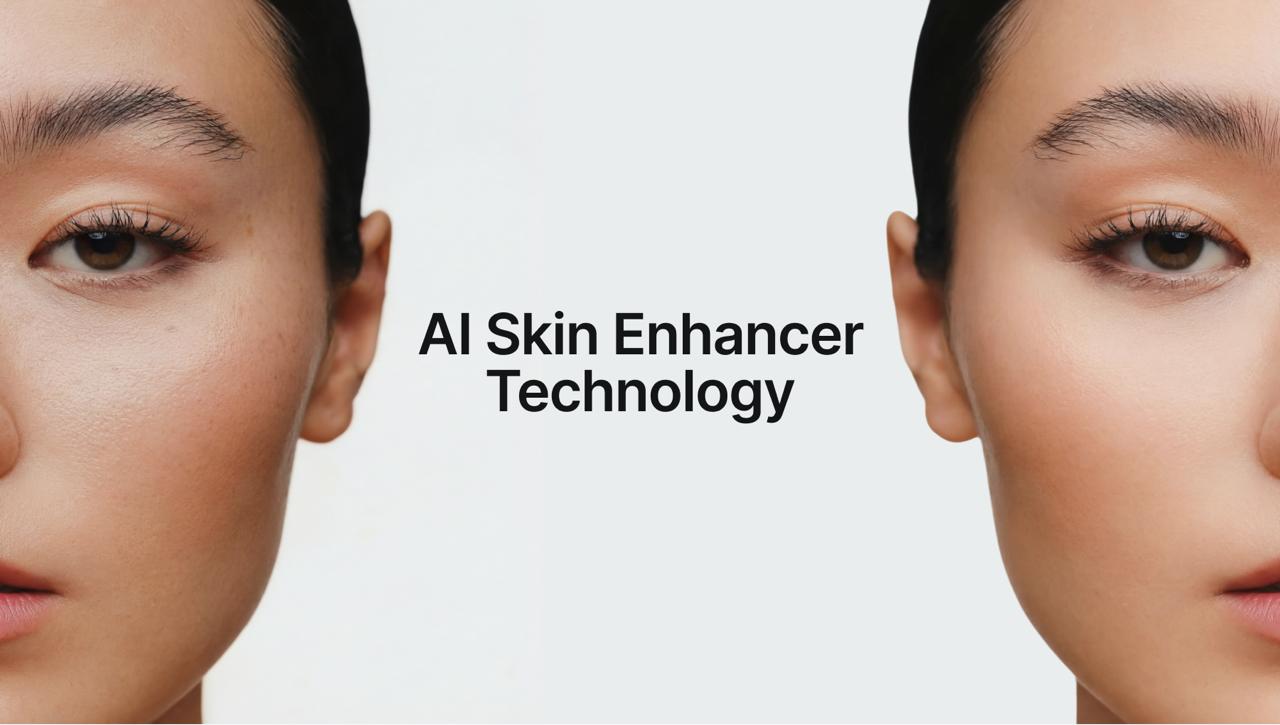
Step 6 - Compare Before/After

The comparison slider reveals:

  • sharper eyes

  • smoother yet realistic skin

  • corrected color and lighting

  • restored definition

  • cleaner tones

  • improved clarity


Expert Tips for Best Results

Follow these tips to get the most out of the Higgsfield AI Enhancer:

1. Use a mid-shot or close-up portrait

Full-body images may reduce detail accuracy.

2. Keep lighting straightforward

Even poor lighting is fine - but avoid extremely dark shadows.

3. Avoid heavy makeup filters before enhancement

Raw input gives cleaner output.


So, Why AI Skin Retouch is Leading in 2025?

  • Unrivaled Speed and Efficiency

  • Authentic Realism

  • Consistency and Accuracy


Practical Use Cases

• Creators & influencers

Perfect for polished but natural images.

• Photographers

Reduces retouching time significantly.

• E-commerce sellers

Great for product and model shots.

• Professionals

Ideal for LinkedIn, resumes, corporate profiles.

• Families & archivists

Fix old photos or enhance childhood images.

• Anyone improving low-quality selfies

Removes noise and restores clarity effortlessly.


The Future of Portrait Editing Is Already Here

The HiggsfieldAI Skin Enhancer represents the new standard in ai skin smoothing, ai face enhancer technology, and realistic ai retouching with its ability to rebuild detail, perfect skin tone, remove artifacts, and enhance portraits naturally, it has become an essential tool for anyone looking to improve image quality.

In a world where visual communication dominates, having access to powerful ai skin retouching tools is no longer a luxury - it’s a necessity.

Higgsfield gives creators, professionals, and casual users alike the ability to produce studio-grade portraits in seconds, making it one of the most valuable ai photo editing 2025 solutions available today.

Instantly Retouch with Ease

Try Now!
Mariam Barova

by Mariam Barova

Share article

EXCLUSIVE OFFER
Ends in 14:59

15 Days of Ultra — On Us

Unlock the full power of Higgsfield AI. Generate unlimited videos, images, and audio with all 30+ premium models — completely free for 15 days.

8 parallel generations
Seedance 2.0 & Kling 3.0
Unlimited generations
No credit card needed
All 30+ AI models
Cancel anytime
Claim Your Free Trial
No commitment required 2,847 trials started today