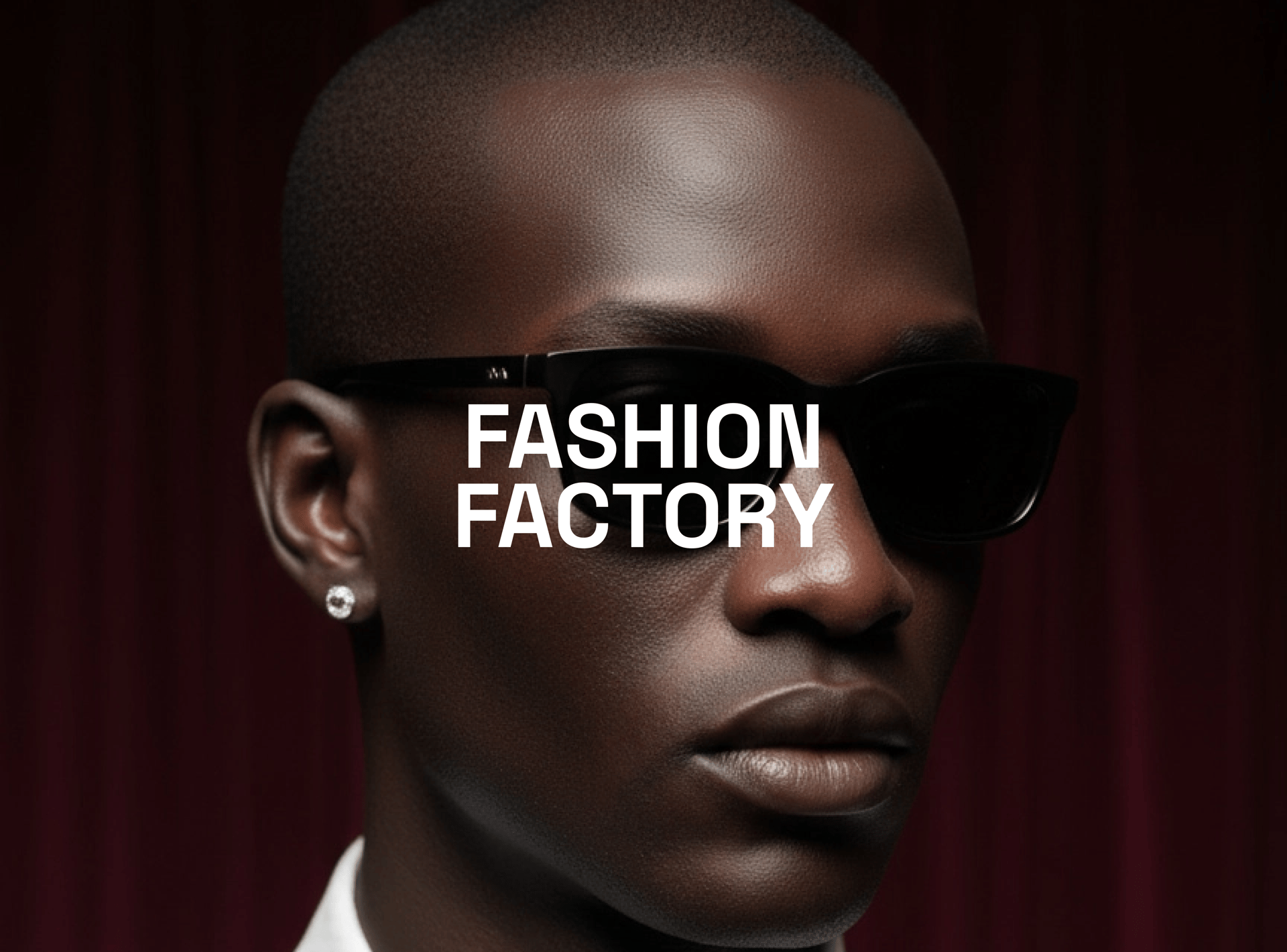
Fashion Factory: Generate Fashion Photoshoots With Just One Image

Mariam Barova

Mariam Barova

·

Sep 11, 2025

·

7 minutes

Fashion Factory: Generate Fashion Photoshoots With Just One Image

How AI Shapes the Future of the Fashion Industry

Fashion Factory lets you create full, stylish, photoreal photoshoots with one product image and a few clicks. You’ll get a cohesive set of campaign-ready shots designed for carousels, PDPs, and ads - all inside Higgsfield.


Part 1. Step-by-Step: Build a Fashion Factory Photoshoot

1. Go to: https://higgsfield.ai/image/soul?modal-fashion-factory=true

2. Select a Photoshoot Template (choose 1 of 6)

  • Each template sets the lighting, framing, and overall vibe of the set.

3. Choose Your Character

  • Create a new Soul ID character from scratch, or

  • Select an existing character you’ve already trained

4. Auto First Shots

  • Your first preview shots generate automatically in ~1 minute.

5. Pick Your Base

  • Select one base image of the 4 generated that you like most to proceed, or hit Recreate to generate 4 more options.

6. Upload Your Product Image

  • Product image notes:

    • The product must be clearly visible

    • Use a high-resolution image

    • Prefer a clean/transparent background

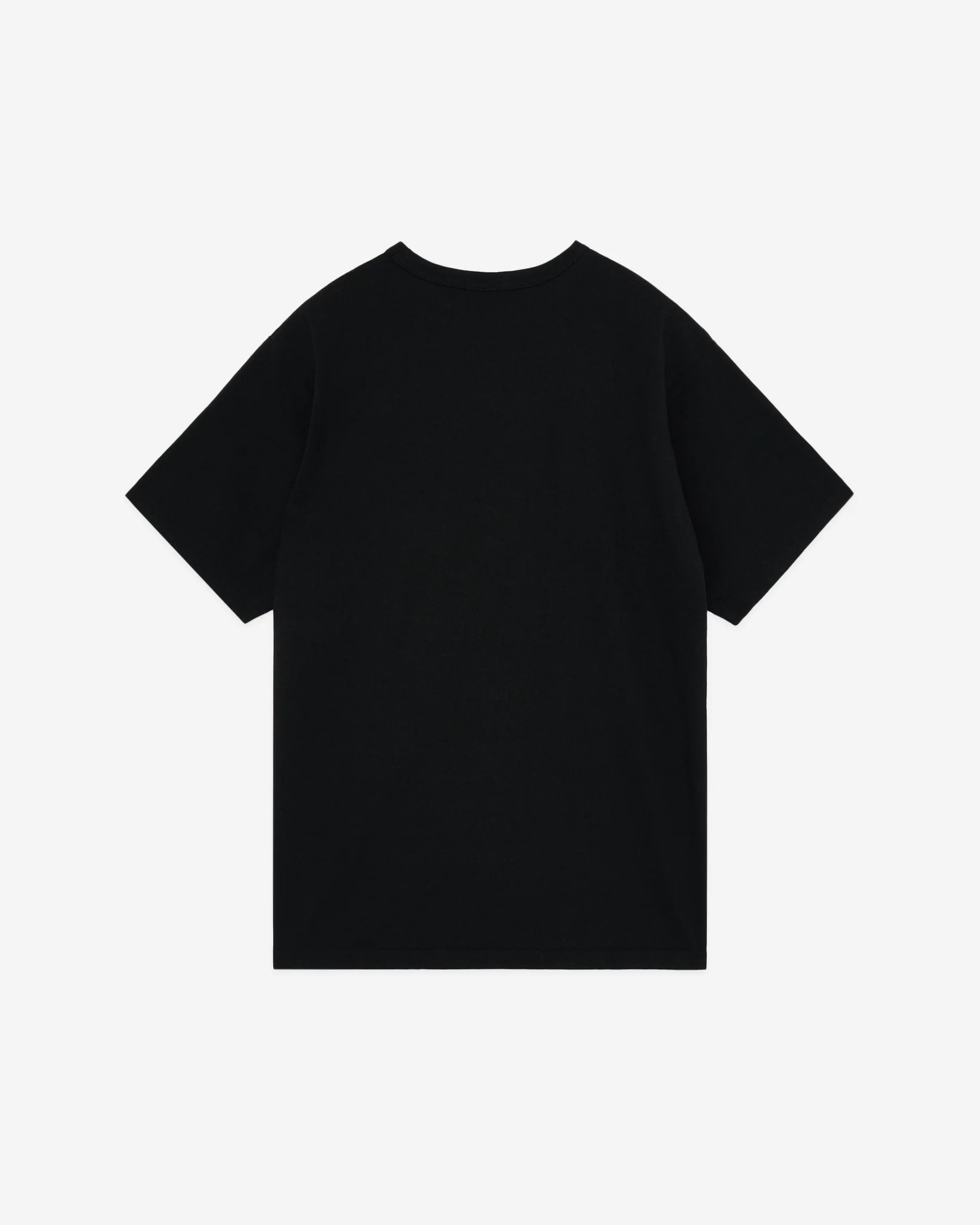
    • Do not upload a product being worn by someone; ideally, show it isolated/laid down. If the item is on the body, generation may fail to place it correctly.

    • Good example:

Shirt

7. Generate Your Photoshoot

  • Your photoshoot begins right away with a set of varied angles and poses.

Some templates may show an initial smaller set first and then expand to the full collection as you iterate.

8. Download & Share

  • Export the full album or save individual images.

  • Animate highlight frames with Veo 3, add VFX or Camera Motion, and post it.


Example

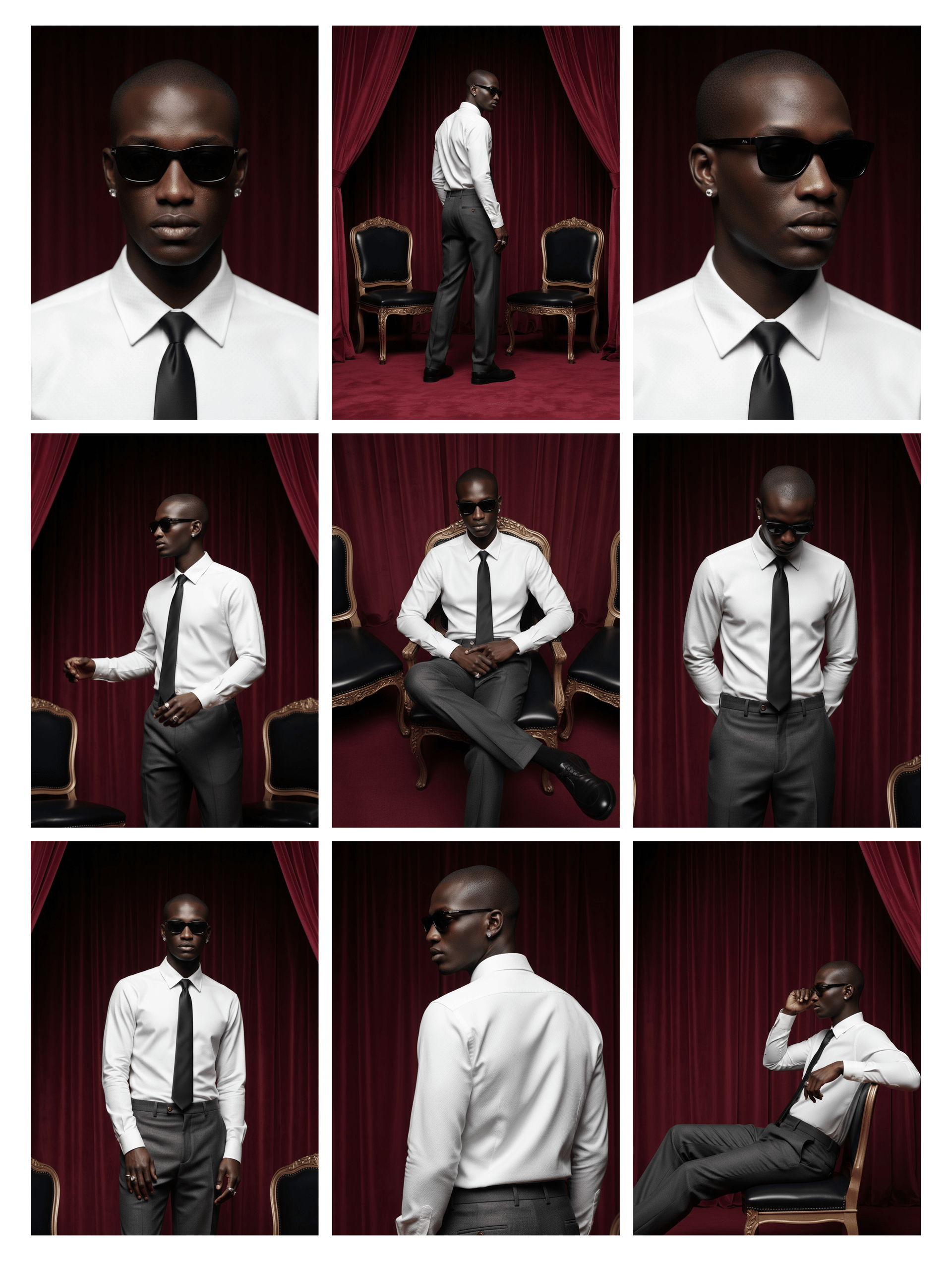
Template: Red Room

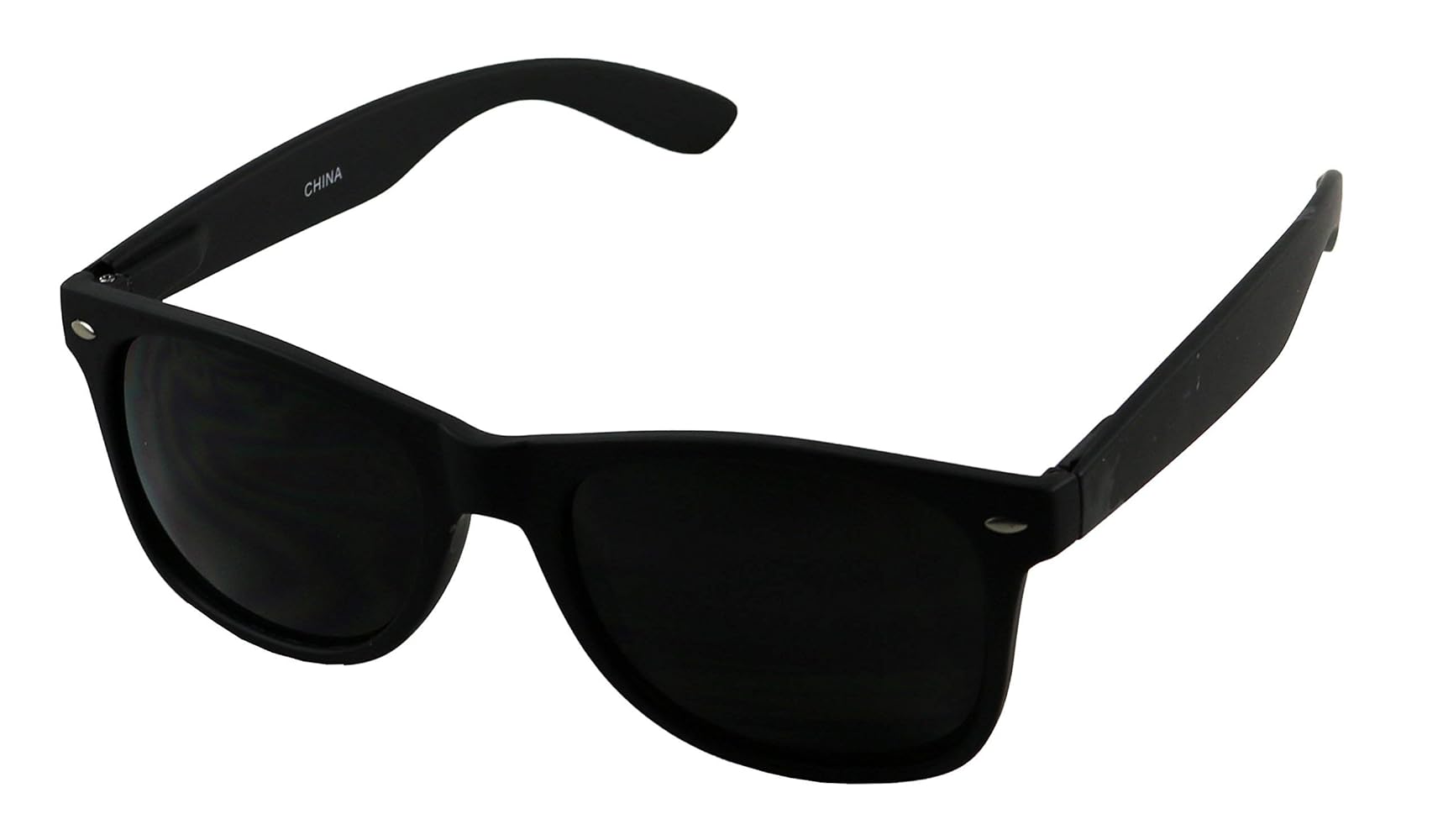
Input Product Image:

Glasses

Results:

Red Room

Pro Tips for Flawless Results

  • Show the product cleanly: straight-on angle, minimal reflections, no hands/people in the product image.

  • Match scale & perspective: if it’s hand-held, orient the product accordingly for believable placement.

  • Keep lighting consistent: match the product’s lighting to the chosen template (soft studio vs. daylight).

  • Iterate quickly: use Recreate for new bases; swap product variants for instant A/Bs.

  • Think in sets: plan your carousel (hero, detail, lifestyle, CTA) and pick frames to match that flow.


Examples of What to Generate

  • Sneakers: lifestyle hero + close-ups + on-surface shots for PDP

  • Skincare: bottle in hand, bottle on counter, texture macro

  • Bags & accessories: over-the-shoulder, tabletop hero, zipper/detail

  • Apparel: editorial poses, front/side/back angles, fabric detail


Perfect for

  • Creators dropping weekly lookbooks and branded carousels

  • E-commerce teams needing fast product + model shots with consistent identity

  • Brands & agencies producing ad-ready fashion sets without studio logistics

  • Marketplaces standardizing catalog visuals across thousands of SKUs


Start your Fashion Factory set: Build the set → upload product → generate → export → (optional) animate with Veo 3.

Generate a photoshoot of your dream with just one image.

Try now
Mariam Barova

by Mariam Barova

Share article

EXCLUSIVE OFFER
Ends in 14:59

15 Days of Ultra — On Us

Unlock the full power of Higgsfield AI. Generate unlimited videos, images, and audio with all 30+ premium models — completely free for 15 days.

8 parallel generations
Seedance 2.0 & Kling 3.0
Unlimited generations
No credit card needed
All 30+ AI models
Cancel anytime
Claim Your Free Trial
No commitment required 2,847 trials started today