Change the Camera Perspective of Any Image with Higgsfield Angles

Mariam Barova

Mariam Barova

·

Nov 11, 2025

·

7 minutes

Change the Camera Perspective of Any Image with Higgsfield Angles

A persistent challenge in creative workflows has long been the "perfect shot" captured from the "wrong angle." 

Fixing this problem was impossible without a reshoot, complex 3D modeling, or simply abandoning the image. 

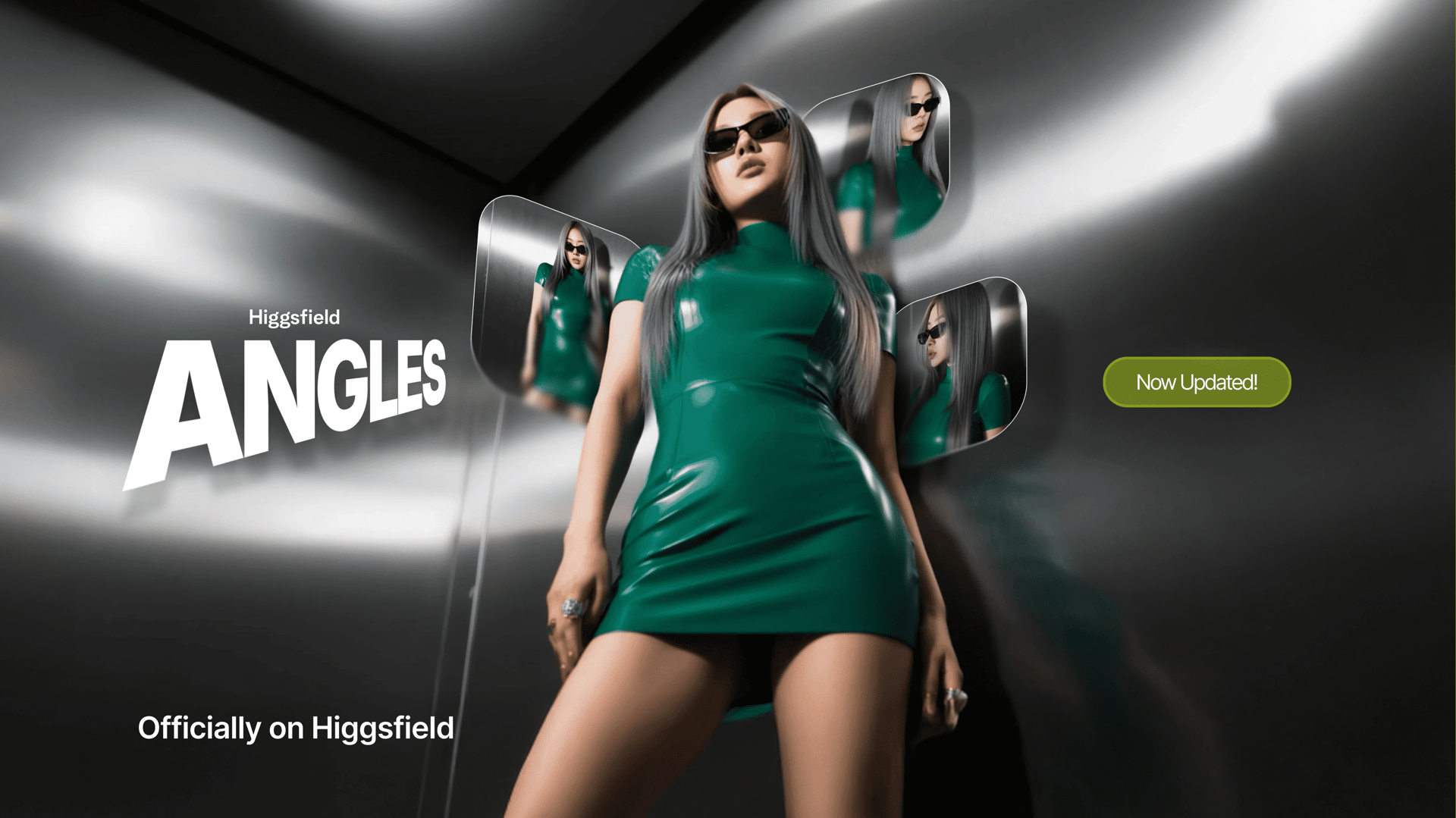
The introduction of Higgsfield Angles appears to be a direct solution to this problem, offering a new, SOTA AI tool designed to change the viewing angle of any image instantly without re-prompting. It represents a new dimension of creative control, allowing users to direct the camera after the photo has already been taken.

Welcome to its latest updates in AI Image Generator!
angles

What’s Outstanding? 

What sets Higgsfield Angles apart is its notable speed, accessibility, and universal application. 

  • Users can adjust the perspective of objects, complex scenes, architectural renderings, or product photos with the same simple workflow. 

  • Furthermore, the model is designed to be fast and lightweight, making it an accessible tool for everyday iteration.

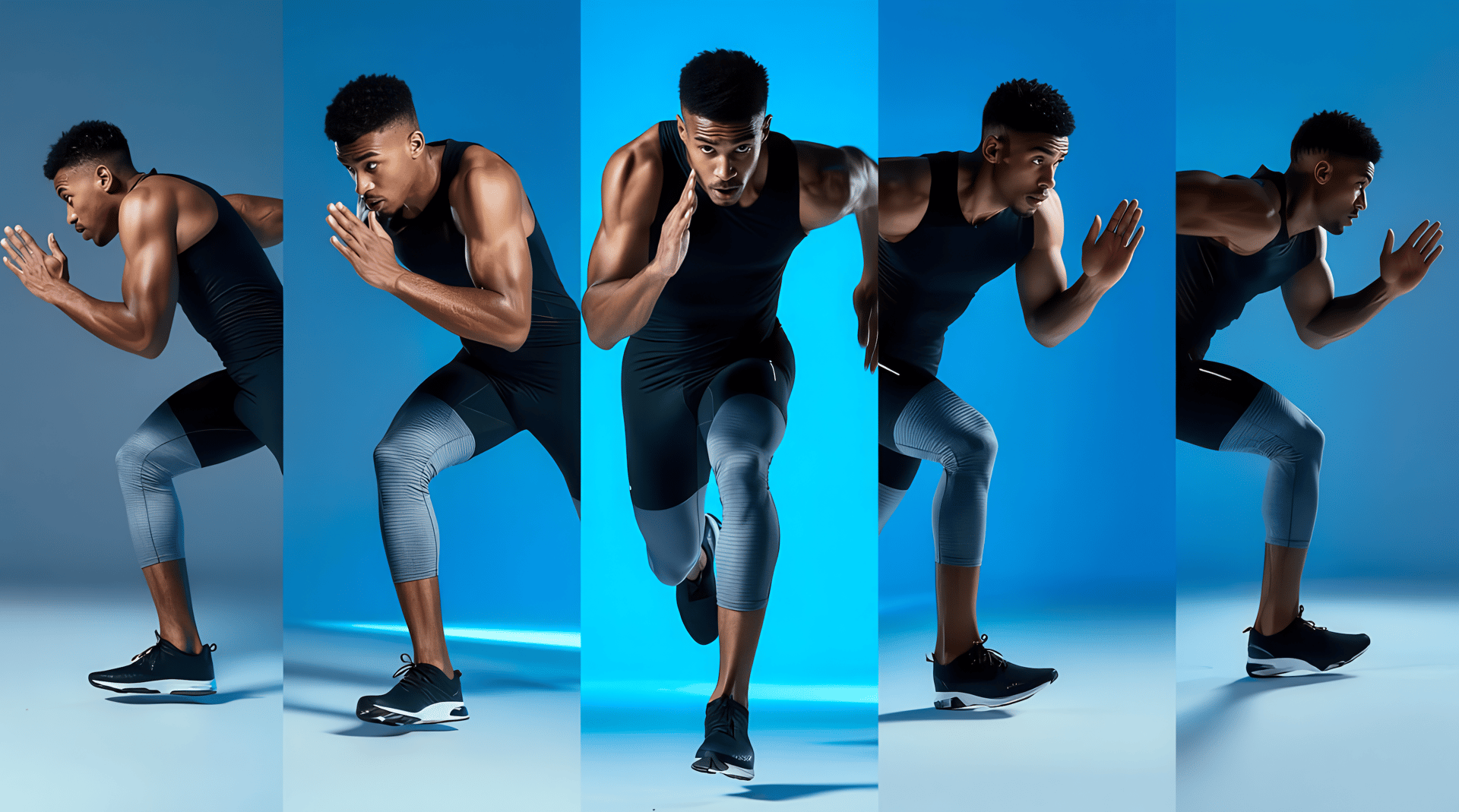
  • Click "generate from all angles" to automatically get your input image from all 12 perspectives.

What's New in Angles V2?

  • Complete creative freedom:

Full 360° camera control lets you capture any angle imaginable, including behind the subject - front, side, back, overhead, or anything in between.

  • Professional interface upgrade:

Improved workflow efficiency: We added generation history - view all previous generations within the same page, no back-and-forth between pages.

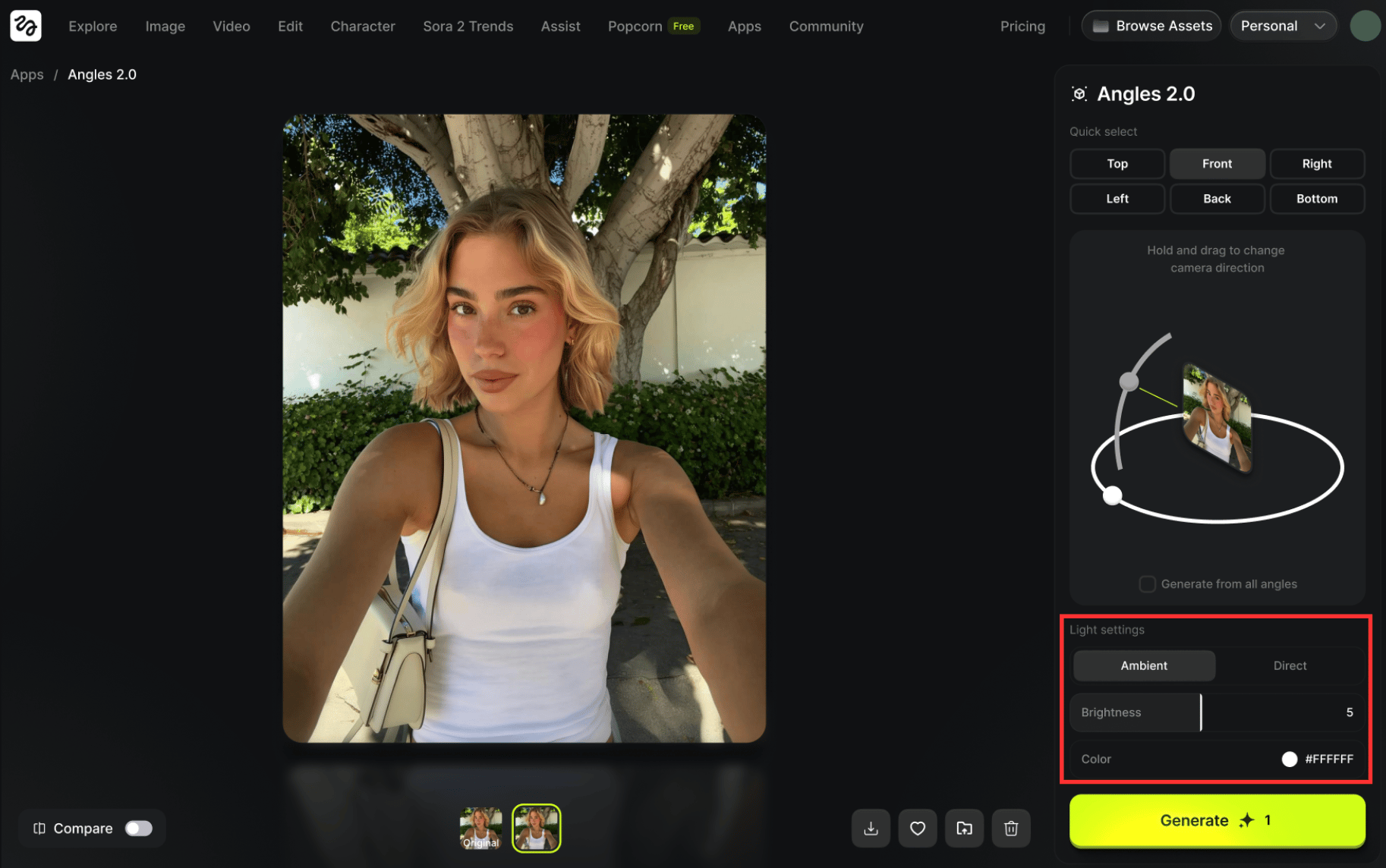
  • Full lighting control

Adjust brightness and color settings to fully match your vision.

Higgsfield Angles is engineered to be a versatile and intuitive tool for any creator looking to refine visual compositions. Its power lies in its combination of simple controls and sophisticated, multi-axis adjustments.


How to Use Higgsfield Angles: A Step-by-Step Workflow

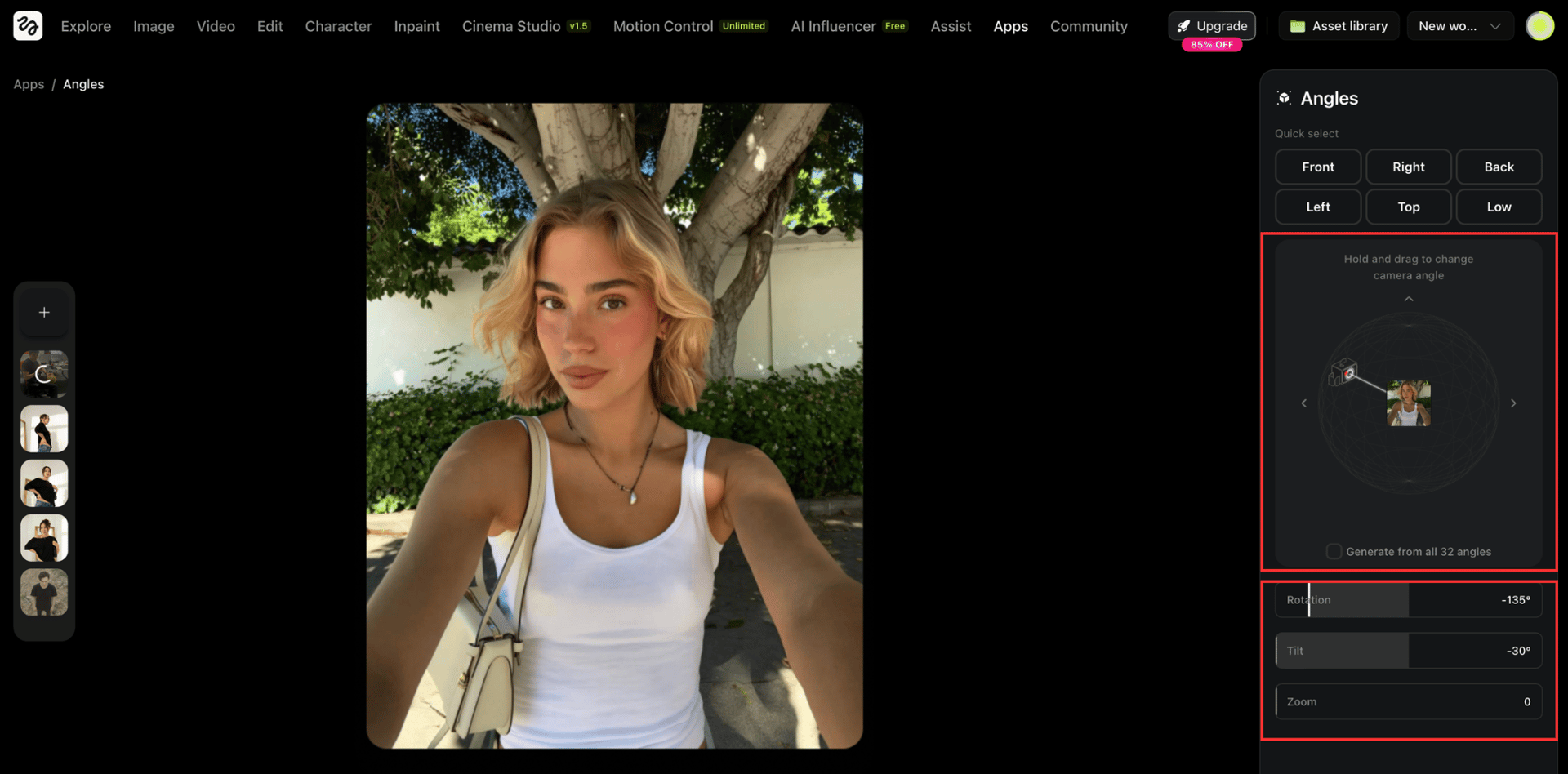
  • Step 1: Upload Your Image & Choose The Control Method (Quick Select, Rotation or Sliders) 

This can be a photo, an AI generation, or a digital rendering in any aspect ratio. The output image will automatically match the aspect ratio of the input.

Users have three ways to direct the AI. The Interactive 3D Rotation can be used for a quick and intuitive change, or the Manual Sliders can be used for more granular adjustments to rotation, zoom, and vertical angle. Use Quick Select if you already know which angle you need.

angles
  • Step 2: Define the New Perspective

- Set your desired viewpoint by adjusting the controls - Click "Generate from all angles" to instantly get results from different viewpoints - Adjust and change the lighting settings by controlling brightness and color

angles
  • Step 3: Generate Your New Image 

Once the angle is set, the user clicks "Generate." The high-speed model processes the request and delivers the re-angled image, ready to be downloaded or used in other Higgsfield tools.


Ultimate Use Cases

The ability to alter perspective on a static image opens up powerful workflows for professionals across numerous industries. This tool appears well-suited for:

  • Real Estate Listings

Agents can upload a single property photo and use Higgsfield Angles to generate multiple angles, such as a bird's-eye view of the garden or a ground-level shot, without needing an expensive drone or a reshoot.

  • E-Commerce Sellers

Marketers can generate missing product angles for their store listings. If they have a perfect front-facing shot of a sneaker, they can now generate the side, top-down, or quarter-angle views instantly, creating a complete and professional product showcase.

  • Architects and Designers

Architectural portfolios can be enhanced by taking a single render and generating top-down or ground-level views, providing clients with a more comprehensive understanding of a 3D space from a 2D image.

  • Comic and Storyboard Artists

This tool is invaluable for narrative creators. It allows them to maintain perfect character or object consistency while effortlessly changing the viewing angle to fit the dramatic needs of different panels or scenes.


Conclusion: A New Dimension of Control

Higgsfield Angles is a powerful example of the platform's commitment to building a fully integrated creative suite. It is a fast, affordable, and flexible tool that solves a fundamental creative problem: being locked into a single perspective. 

By giving users the power to direct the camera after the shot is taken, the tool is adding a new dimension of control to image editing.

Attain Full Control Over Perspective

Try Now!
Mariam Barova

by Mariam Barova

Share article

EXCLUSIVE OFFER
Ends in 14:59

15 Days of Ultra — On Us

Unlock the full power of Higgsfield AI. Generate unlimited videos, images, and audio with all 30+ premium models — completely free for 15 days.

8 parallel generations
Seedance 2.0 & Kling 3.0
Unlimited generations
No credit card needed
All 30+ AI models
Cancel anytime
Claim Your Free Trial
No commitment required 2,847 trials started today