Become The Director of AI-Cinema with #1 Video Model
Higgsfield
·
Aug 11, 2025
·
6 minutes
Become the AI-Movie Director with Higgsfield
Unleash Consistency Across Multiple Shots
The Seedance Video Model inside Higgsfield opens up a whole new level of storytelling. You can now create multiple consistent shots in one go, with exclusive presets built specifically for this release.
It shines when handling scene cuts and different camera angles within the same scene, delivering smooth motion and strong prompt following.
Pro Tip: Identity preservation can still be tricky between shots, so use that to your advantage in creative ways.
If you’ve selected a preset, you can start directly from your own image or generate one with Higgsfield Soul.
Tip: If you are using a preset, make your starting keyframe as similar to the one in the preset as possible for the most consistent shot
2. Choose Your Preset
General → For generations with your full control. Prompt enhancer can be turned off with the general preset for advanced prompts.
Other Presets → These are used if you want to recreate specific movements and effects from these presets. Prompts are optional.
3. Multi-Shot
Unlocks up to 3 consistent shots in one environment.
Pro Tip: Include a face in only the first shot for best consistency - faces can drift in subsequent shots.
Some of the presets already come with Multi-Shot built in. Prompts here are optional and should only be used if you want to tweak environment details or camera movement.
Examples of how you can build different perspectives of the same setting using various prompts in different shots:
Close-up character shot
Wide-angle for the environment
Creative or dynamic action angle
4. Craft Your Prompt
Essential Structure:
Composition: framing, camera angle, background elements
For multi-shot sequences, 10 seconds is the sweet spot.
This gives enough time to showcase all angles smoothly.
6. Resolution
Test 480p for speed and iterations.
Use 1080p for final delivery when you need crisp, detailed results.
Example Setup
Inputs:
Preset: Hero Flight
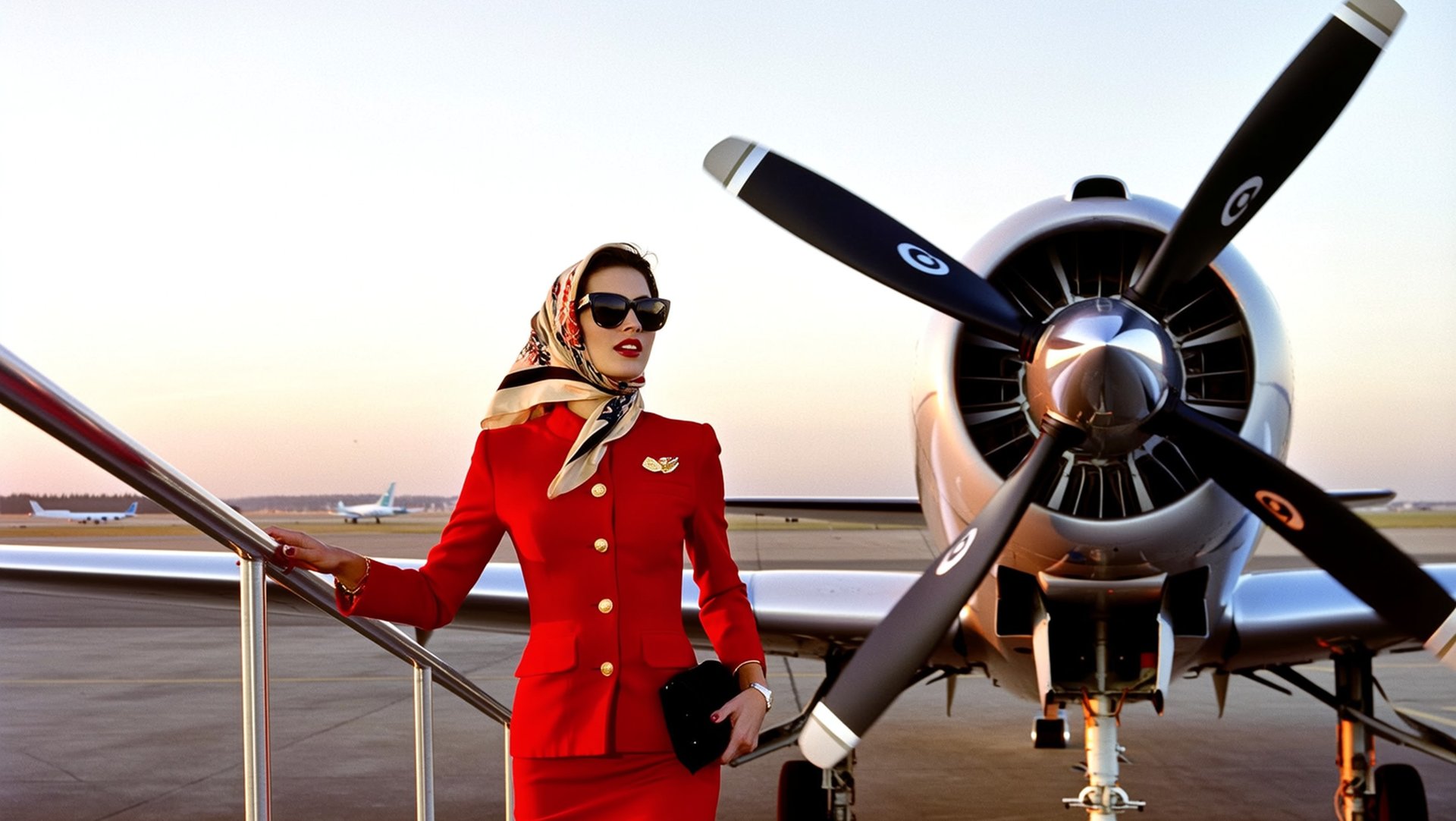
Input Image:
Example Input Image
Prompt: None
Multi-Shot: Off
Duration: 5s
Resolution: 1080p
Output:
Example Output Video
Wrapping-Up
Seedance in Higgsfield is your go-to for cinematic multi-angle storytelling. From fashion reels to short films, it lets you create sequences that feel handcrafted - in a fraction of the time.
Now it's your turn. It's the best time in history to unleash the power of AI. Start experimenting, explore different models and settings, and find what brings your content to life.